Block Adult Content on Android: 5 Free Methods That Work
Block adult content on Android with 5 free methods: Family Link, SafeSearch, YouTube and Play Store limits, Private DNS filtering, and device controls. Simple steps that work together.
Category
Block adult content on Android with 5 free methods: Family Link, SafeSearch, YouTube and Play Store limits, Private DNS filtering, and device controls. Simple steps that work together.
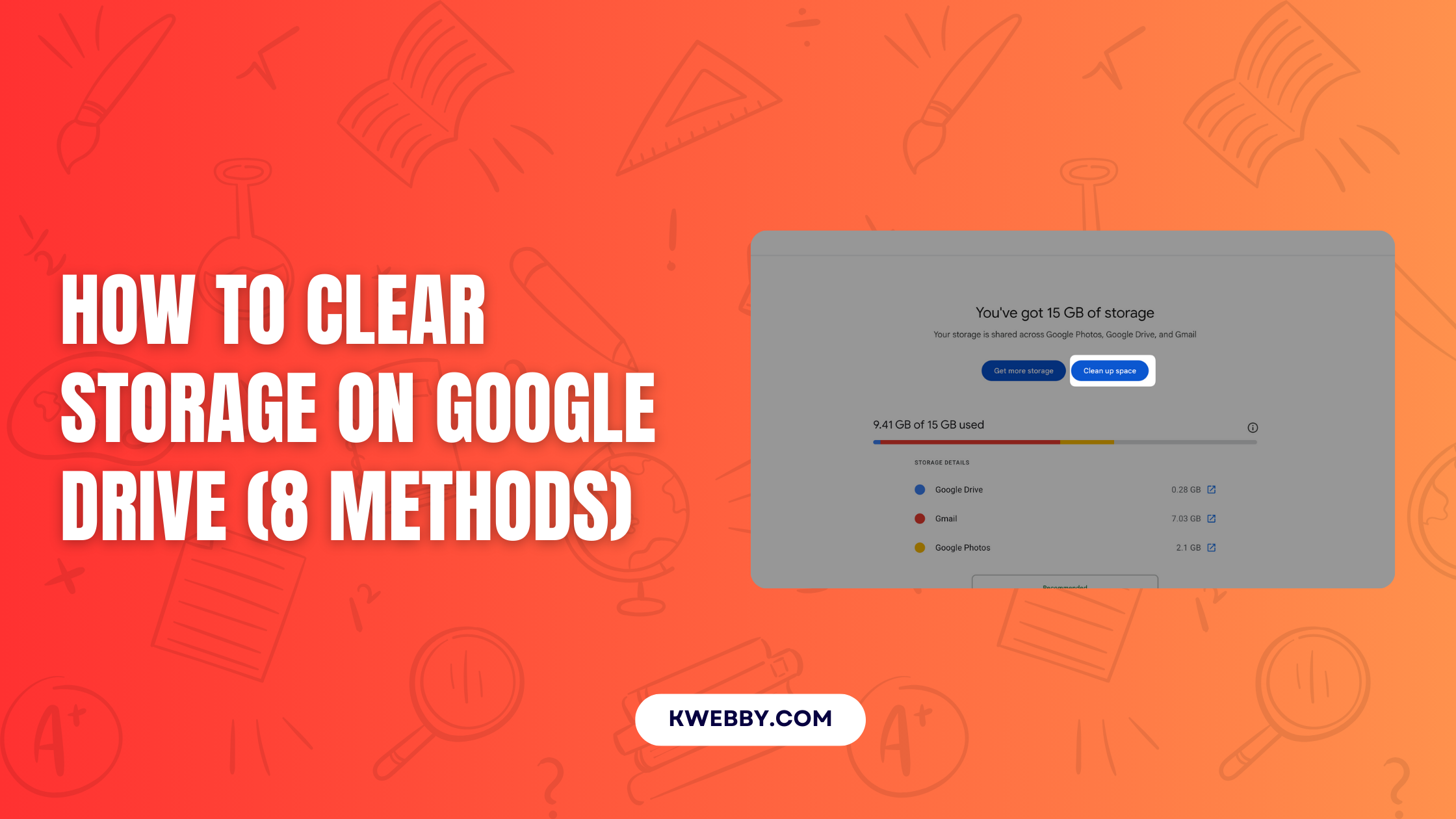
Running out of space on Google Drive can disrupt your workflow. Your Google account‘s storage is shared across Google Drive, Gmail, and Google Photos. When…
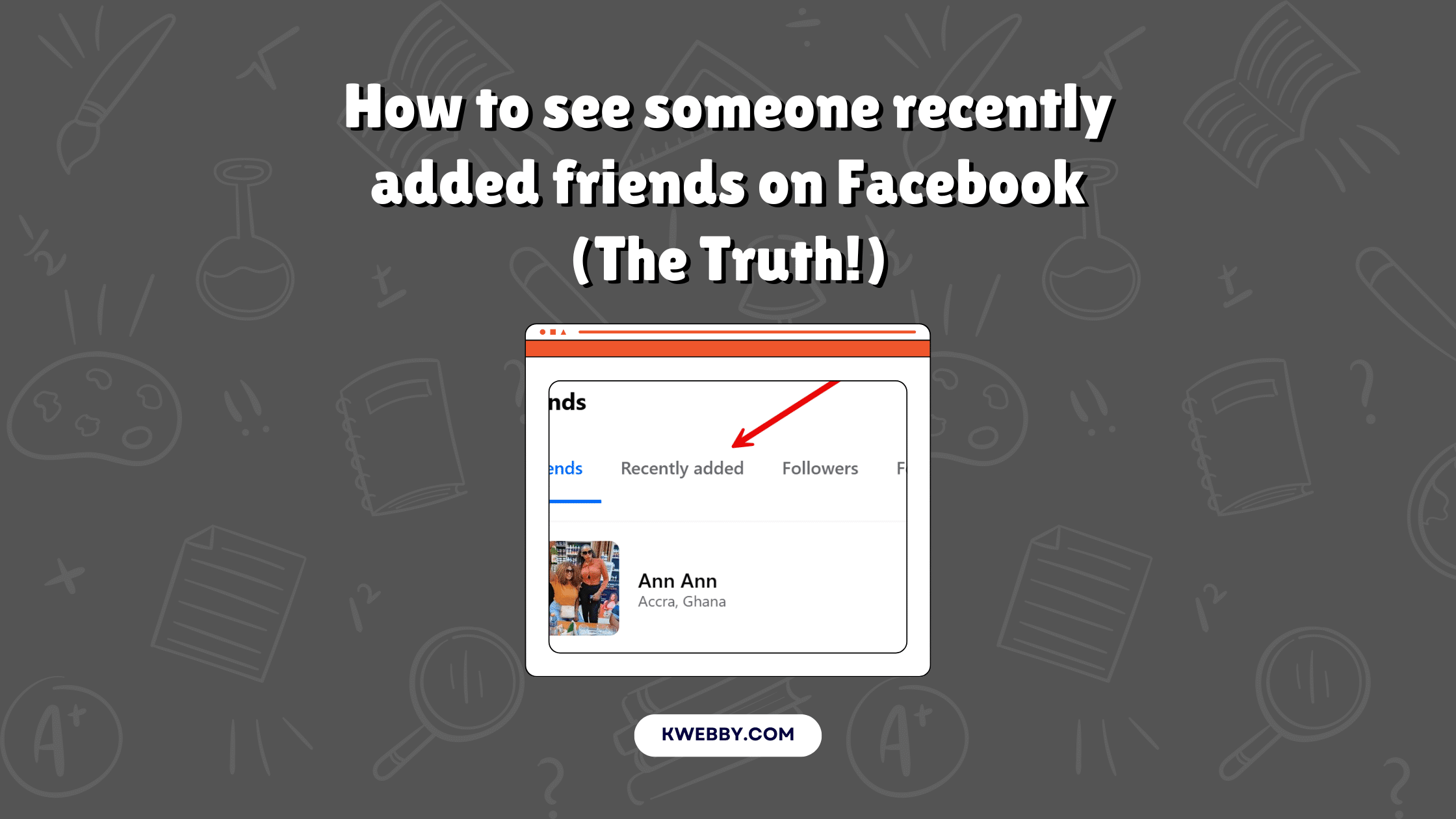
So, you’re curious about how to see someone’s recently added friends on Facebook? You’ve come to the right place! Whether you’re keeping tabs on a…
In an age where our lives are increasingly intertwined with the digital realm, browser apps have emerged as important tools for productivity, entertainment, and connectivity.…
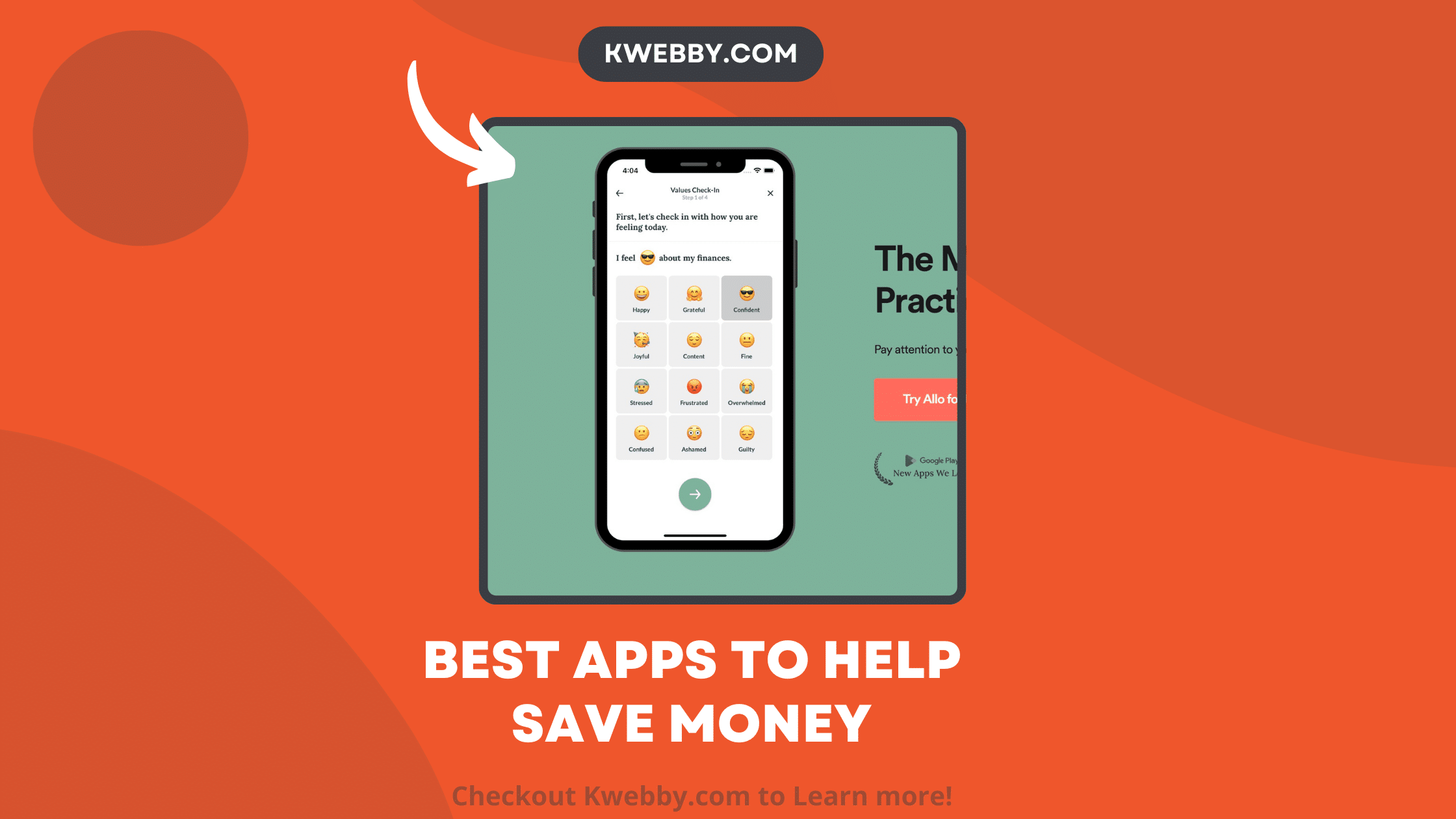
Financial technology has rapidly evolved, with money-saving apps leading the charge in this revolution. These apps employ numerous strategies to transform saving money from a…
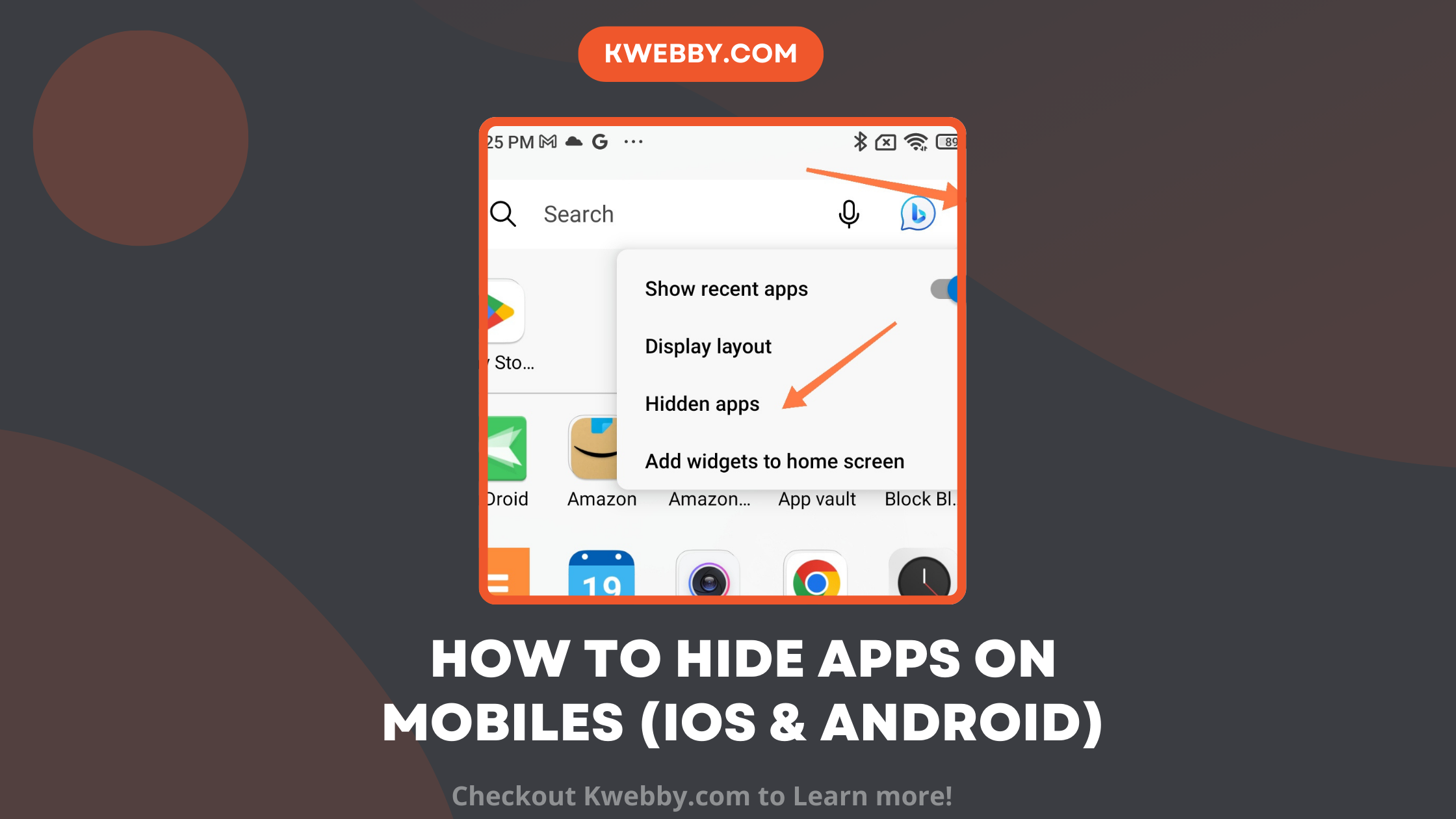
Hiding apps on your android phone can be essential for protecting sensitive information, managing clutter, or simply keeping certain apps away from prying eyes. Whether…
In today’s digital age, having easy access to information at our fingertips is more than just a convenience—it’s a necessity. With the rising demand for…
Some people prefer to conduct other activities while watching YouTube videos. Is this possible? Yes. You can reduce the number of YouTube videos playing in…
Enabling the automatic update feature means that your apps will update automatically without your intervention, so you might not even be aware that a lot…
Mobile devices require software and application maintenance to last longer and have less downtime, just like everything else. Android app updates provide businesses with a…