Managing your personal finances has never been easier thanks to an abundance of innovative money-saving apps. Whether you’re setting up automated savings, tracking your budget, or earning cash back rewards, there’s an app tailored to meet your needs.
If you’re among those searching for a replacement for the discontinued Penny Savings app, we’ve got you covered. This guide highlights the top 10 free alternatives, their features, and pricing, as well as a brief overview of what happened to the Penny Savings app.
Key Takeaways
- Automated savings apps like Digit and Qapital simplify saving by rounding up purchases or scheduling transfers.
- Budget management tools such as EveryDollar and PocketGuard help keep your spending on track.
- Cash back rewards apps including Rakuten and Fetch Rewards offer free money on everyday purchases.
- Bill management platforms like Truebill and Bill Organizer reduce financial stress by streamlining your payments and subscriptions.
- The once-popular Penny Savings app is no longer available after being acquired and integrated into Credit Karma’s services.
What Happened to Penny Savings App?
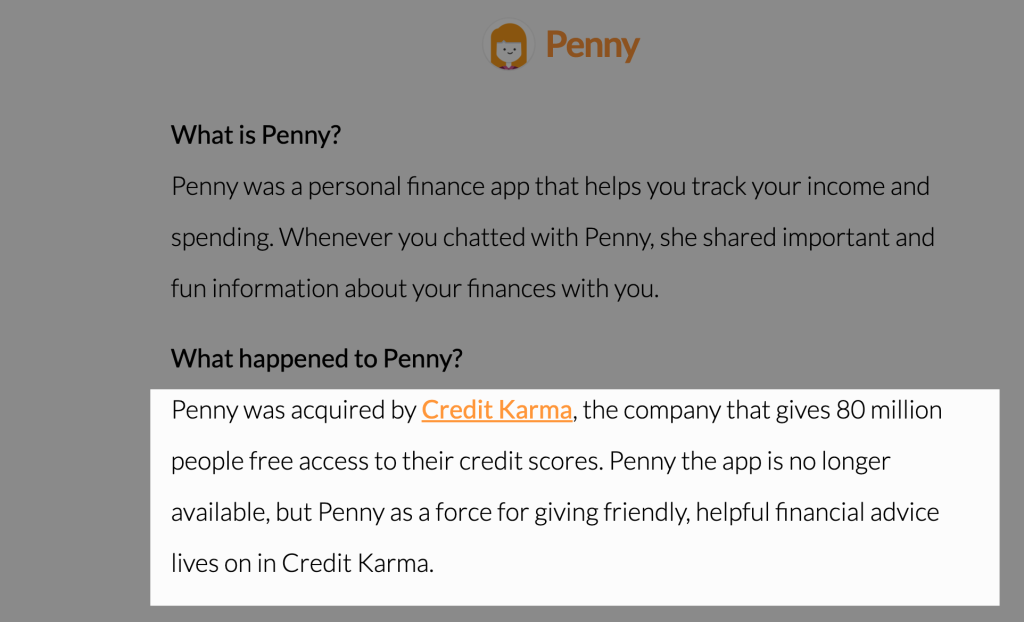
The Penny Savings app gained popularity as a friendly budget management tool, allowing users to interact with an AI chatbot for spending insights, budgeting tips, and financial forecasting. The app’s intuitive, conversational interface stood out in the competitive world of financial tools, making it a favorite for people looking to manage their money with ease.
However, in 2019, Penny was acquired by Credit Karma and ceased operations as an independent app. Credit Karma integrated Penny’s technology to improve its own platform and provide personalized financial guidance to over 80 million users. Though the app disappeared, its legacy lives on within Credit Karma, which encourages former Penny users to manage their finances through their platform instead.
If you’re looking for an alternative to take Penny’s place, the following list offers some great options.
Top Alternatives to Penny Saving App
| App | Primary Function | Cost | Availability | Key Feature | Cash Out Method |
|---|---|---|---|---|---|
| Chime | Digital Banking | Free | US | Automatic round-ups | Direct deposit |
| KOHO | Banking/Budgeting | Free-$19/month | Canada | 4% interest + cash back | Interac e-Transfer |
| Caddle | Receipt scanning | Free | Canada | Daily surveys | Check ($20 min) |
| Ampli | Cash back | Free | Canada (Discontinued) | Automatic tracking | Interac e-Transfer |
| Upside | Gas/Food cash back | Free | US | Location-based offers | PayPal/Bank/Gift cards |
| Goodbudget | Envelope budgeting | Free-$10/month | Global | Manual transaction entry | N/A (budgeting only) |
| Rakuten | Online shopping | Free | US/Canada/UK | Browser extension | PayPal/Check (quarterly) |
| Honey | Coupon codes | Free | Global | Automatic coupon application | PayPal Rewards |
| Ibotta | Receipt scanning | Free | US | Grocery focus | Bank/PayPal/Gift cards |
| Mint | Budget tracking | Free | US/Canada (Now CreditKarma) | Automatic categorization | N/A (tracking only) |
1. Chime – Digital Banking with Automatic Savings
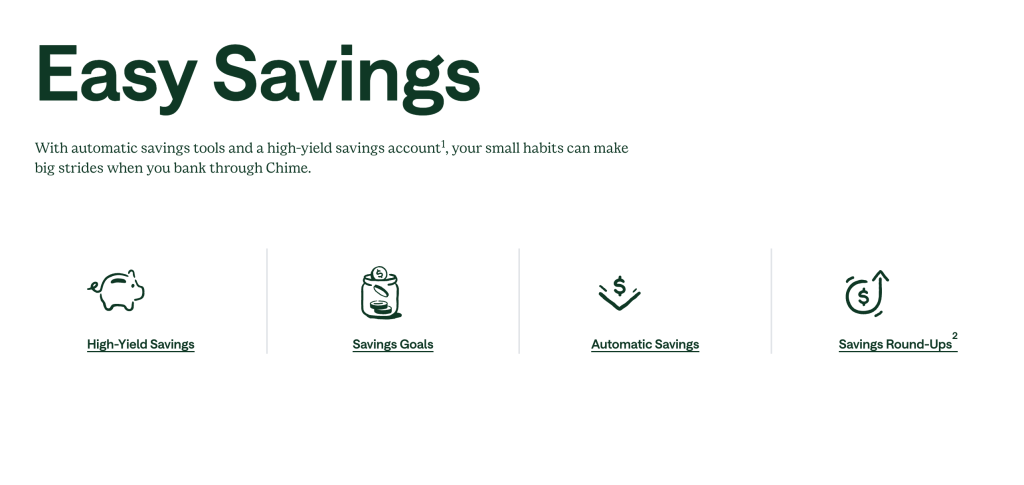
Chime is a digital banking platform designed for simple, automatic savings. It operates online and eliminates fees, helping users build better financial habits.
Features
- Automatic Savings: Chime rounds up every purchase to the nearest dollar and moves the difference into savings.
- Save When You Get Paid: Automatically transfer a portion of each paycheck into your savings account.
- High-Interest Savings: Earn competitive rates on savings compared to many traditional banks.
- No Fees: No maintenance fees, overdraft charges, or minimum balance requirements.
- Early Direct Deposit: Access your paycheck up to two days early with direct deposit.
Pricing
Chime is free—no monthly fees, minimums, or hidden charges.
2. KOHO – Canada’s Money Management App

KOHO offers Canadians a prepaid Mastercard and a suite of money management tools with saving, budgeting, and credit-building features.
Features
- Round-Up Savings: Purchases round up to the nearest $1, $2, $5, or $10, and the difference is saved.
- Cash Back Rewards: Up to 2% back on groceries, transportation, and dining. Up to 6.5% at selected partners.
- High-Interest Savings: Earn up to 4% on balances, including spending and savings.
- Budgeting Tools: Detailed tracking and insights into spending habits.
- Credit Building: Programs to help boost your credit score.
- Goal Setting: Set and automate savings goals.
Pricing
Three plans:
- Essential: Free with direct deposit or $1,000+/month; otherwise $4/month
- Extra: $9/month
- Everything: $19/month
3. Caddle – Canadian Cash Back App
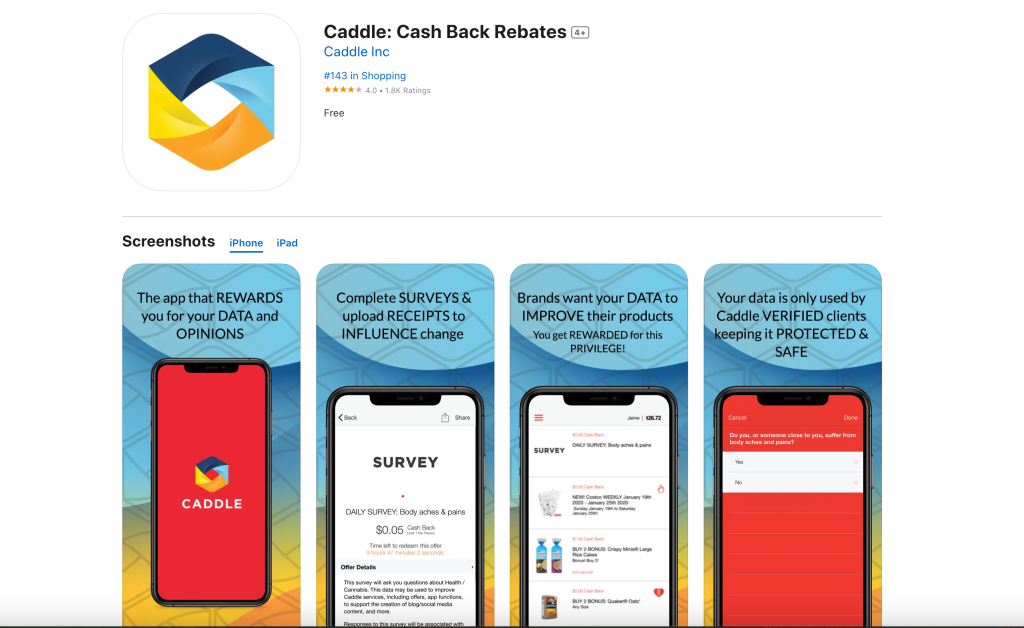
Caddle gives cash back for shopping, surveys, and engaging with brands. It’s a leading receipt-scanning app based in Canada.
Features
- Receipt Scanning: Earn $1-$20+ for uploading receipts on featured products.
- Daily Surveys: Fast surveys pay $0.05-$0.25 each.
- Brand Engagement: Get rewards for watching ads or interacting with brands.
- Referral Program: Earn $1 per referral.
- Multiple Ways to Earn: Includes surveys, reviews, and social media tasks.
Pricing
Free to use. $20 minimum to cash out. Payment is sent via check.
4. Ampli – RBC’s Cash Back Platform (Discontinued)
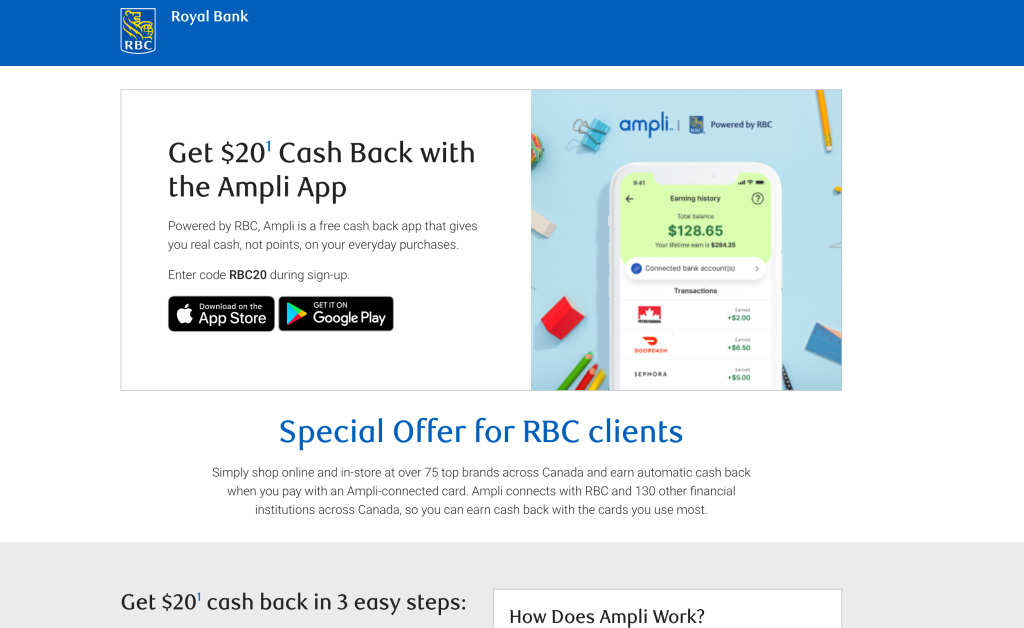
Ampli was an RBC-owned cash back app that required no receipt scanning—cash back happened automatically when shopping at partner stores.
Features
- Automatic Cash Back: Link cards to earn at participating stores.
- No Receipt Scanning: Purchases are detected automatically.
- Dreamstakes: Monthly contests with cash prizes.
- Wide Retail Network: Partners include large Canadian brands.
Pricing
Free to use, $15 minimum for payout. Ampli is now discontinued and merged with Avion Rewards.
5. Upside – Gas, Grocery & Restaurant Cash Back
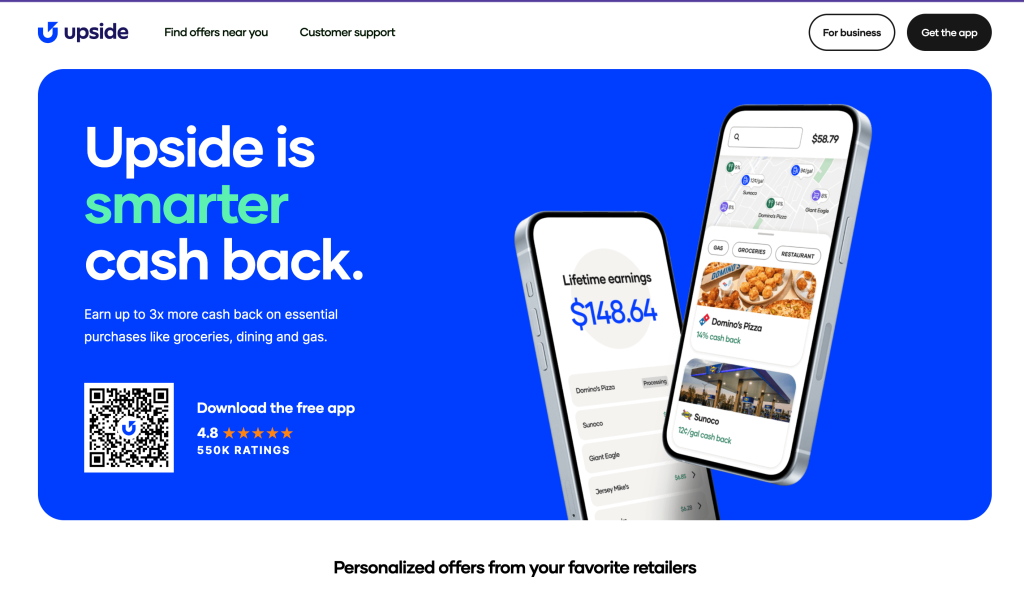
Upside rewards users for ordinary purchases like gas, groceries, and dining with cash back from over 100,000 locations in the US.
Features
- Gas: Up to 25¢ per gallon at popular gas stations.
- Groceries: Up to 30% back at select stores by scanning receipts.
- Restaurants: Up to 45% back at thousands of places.
- Location Offers: App shows deals nearby.
- Referral Program: Earn when friends spend.
Pricing
Free to use. Cash out via bank, PayPal, or gift cards at set minimums.
6. Goodbudget – Digital Envelope Budgeting
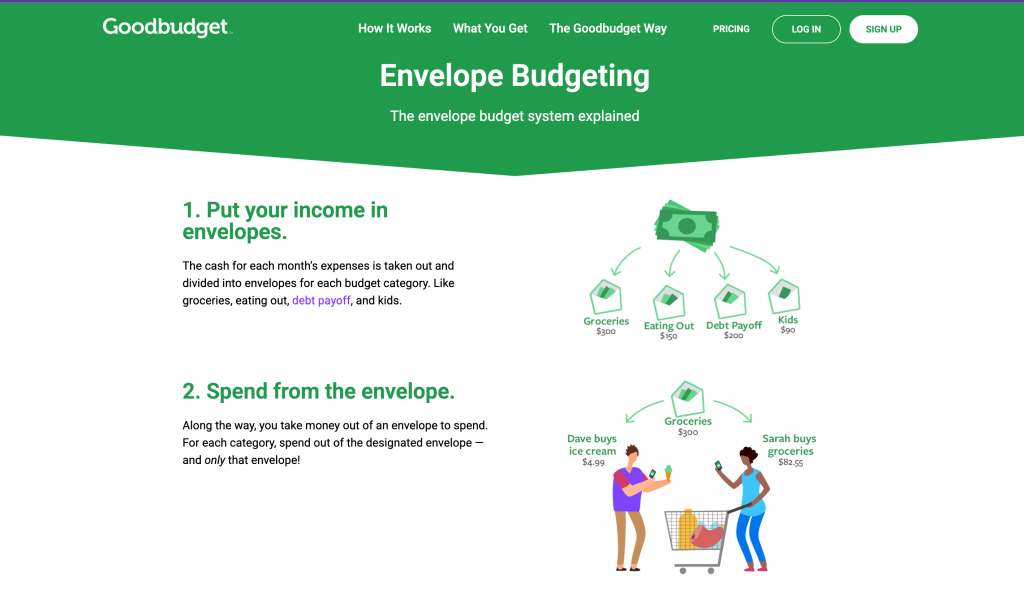
Goodbudget brings envelope budgeting online, letting users manage spending with virtual envelopes for every category.
Features
- Virtual Envelopes: Create digital “envelopes” for each spending need.
- Manual Transactions: Encourages careful tracking through manual entry.
- Device Syncing: Share budgets with family or across multiple devices.
- Reports: Get clear views of income, expenses, and debt reduction.
- Goal Setting: Envelopes help with both short-term and long-term savings.
Pricing
- Free: Up to 10 regular envelopes, 10 annual/goal envelopes, 1 account, 2 devices, 1 year of history
- Premium: $10/month or $80/year for unlimited use and automatic bank sync
7. Rakuten – Online Shopping Cash Back
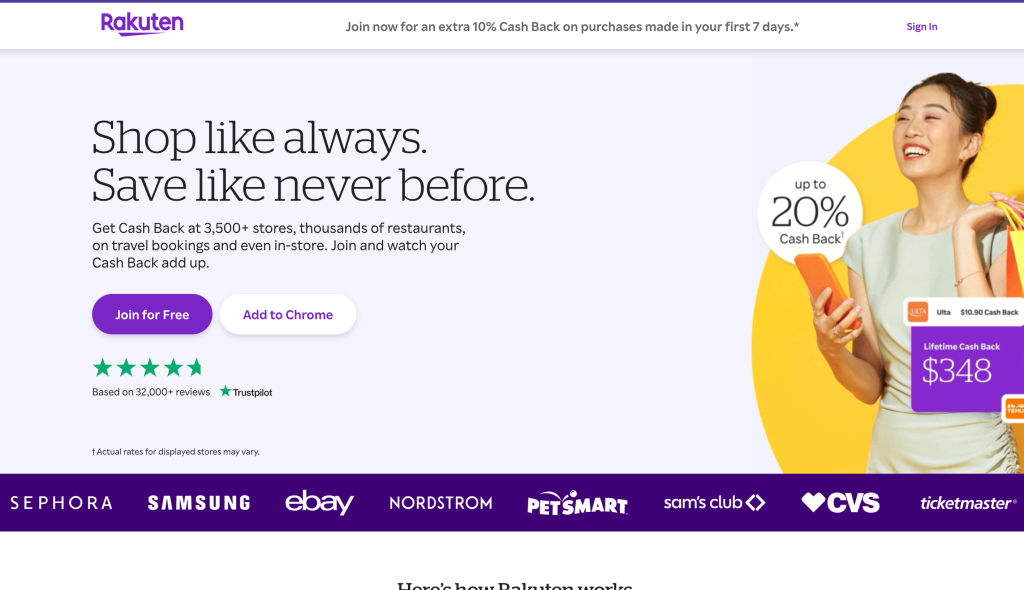
Rakuten offers cash back for online and in-store shopping at over 3,500 retailers around the world, with a browser extension for instant savings.
Features
- Retailer Network: Earn at thousands of major stores.
- Browser Extension: Automatically applies cash back and coupon codes.
- In-Store Deals: Link cards for physical store rewards.
- Referral Bonuses: Earn up to $30 per friend who completes a purchase.
- Quarterly Payouts: Get paid every three months via PayPal or check.
Pricing
Completely free; Rakuten shares its commissions with you.
8. Honey – Automatic Coupon Application
Honey, now part of PayPal, is a browser extension that applies coupon codes automatically at checkout across over 30,000 websites.
Features
- Coupon Application: Automatically applies the best code at checkout.
- Price Tracking: Add goods to a Droplist to track and get notified of price drops.
- Cash Back via PayPal Rewards: Points redeemable for cash back.
- Amazon Price Comparison: Compares sellers for the best deal.
- Mobile Integration: Works on Safari for iOS.
Pricing
Free to use; average annual savings is about $126 per user.
9. Ibotta – Receipt Scanning Cash Back
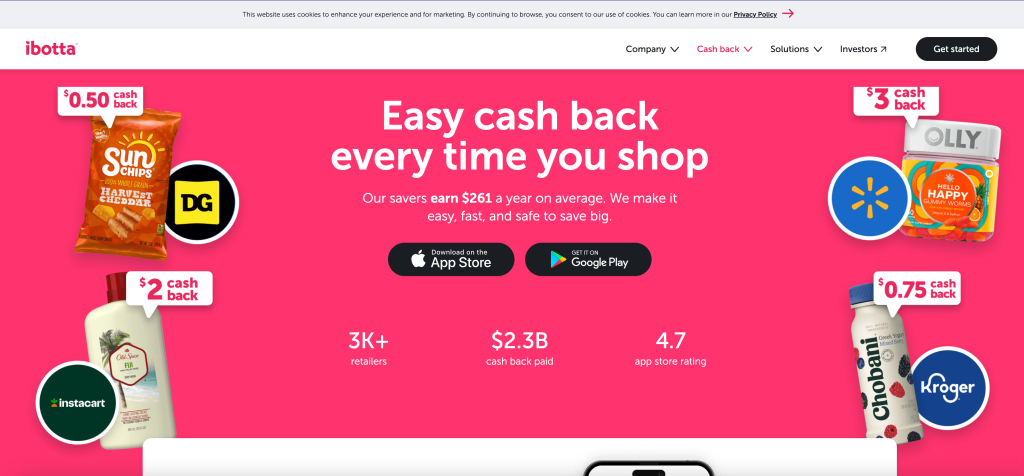
Ibotta offers cash back for shopping by letting users add offers and scan receipts for groceries and more.
Features
- Grocery Cash Back: Get rewards for buying select products or categories.
- Receipt Scanning: Take photos to claim rewards.
- Loyalty Card Integration: Automatic rewards at partner retailers.
- Online Shopping: Earn via the app at digital partners.
- Bonus Offers: Referrals and promotions increase earnings.
Pricing
Free to use. Cash out at $20 to bank, PayPal, or gift cards.
10. Mint – Free Budget Tracking (Now CreditKarma)
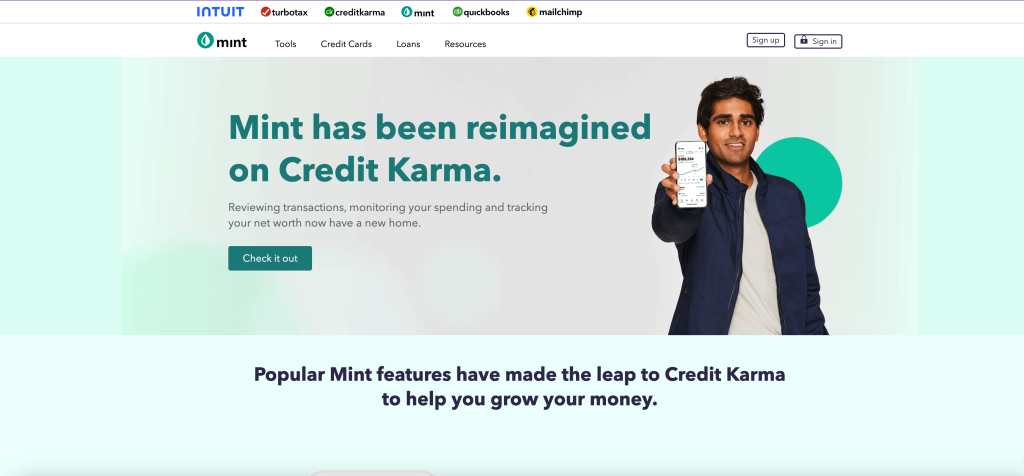
Mint helped users budget, track spending, and monitor financial health via automated insights. Intuit closed Mint on Jan. 1, 2024, migrating users to Credit Karma.
Features
- Automatic Categorization: Imports and sorts spending from linked accounts.
- Budget Creation: Set categories and spending limits.
- Credit Score Monitoring: Free access to credit information.
- Bill Reminders: Stay on top of upcoming payments.
- Investment Tracking: Monitor investments and retirement funds.
Pricing
Free to use, supported by ads and product suggestions. Now discontinued; features available through Credit Karma.
Frequently Asked Questions (FAQs)
Q: How much can I realistically earn from cash back apps?
A: Earnings vary by usage, but typical users earn $50-300 annually. Heavy users of apps like Upside report earning $270+ per year, while casual users might earn $50-100.
Q: Do I need to pay taxes on cash back earnings?
A: In most cases, cash back rewards are considered rebates rather than income and aren’t taxable. However, consult a tax professional for earnings over $600 or if you receive 1099 forms.
Q: Can I use multiple cash back apps simultaneously?
A: Yes, many users “stack” multiple apps to maximize earnings. For example, you might use Rakuten for online shopping, Upside for gas, and Ibotta for groceries.
Q: What happened to other discontinued money apps?
A: Besides Penny and Ampli, several other apps have been discontinued or acquired. Digit was acquired by Oportun, and many smaller apps have shut down due to competitive pressures or regulatory challenges.
Q: Are there any fees associated with these apps?
A: Most cash back and budgeting apps are free to use. However, some banking apps like KOHO charge monthly fees for premium features, and early cash-out options may incur small processing fees.
Q: How do these apps make money if they’re free?
A: These apps typically earn revenue through affiliate commissions from retailers, interchange fees from card transactions, premium subscription fees, or advertising partnerships.
Final Thoughts!
Choosing the right app for your financial needs can help you save money, manage your budget, and even earn rewards effortlessly. While many of these apps are free to use, it’s essential to review any potential fees and understand how the app generates revenue to ensure it aligns with your goals. By exploring the available options and leveraging the tools they offer, you can take meaningful steps toward achieving better financial health and security.