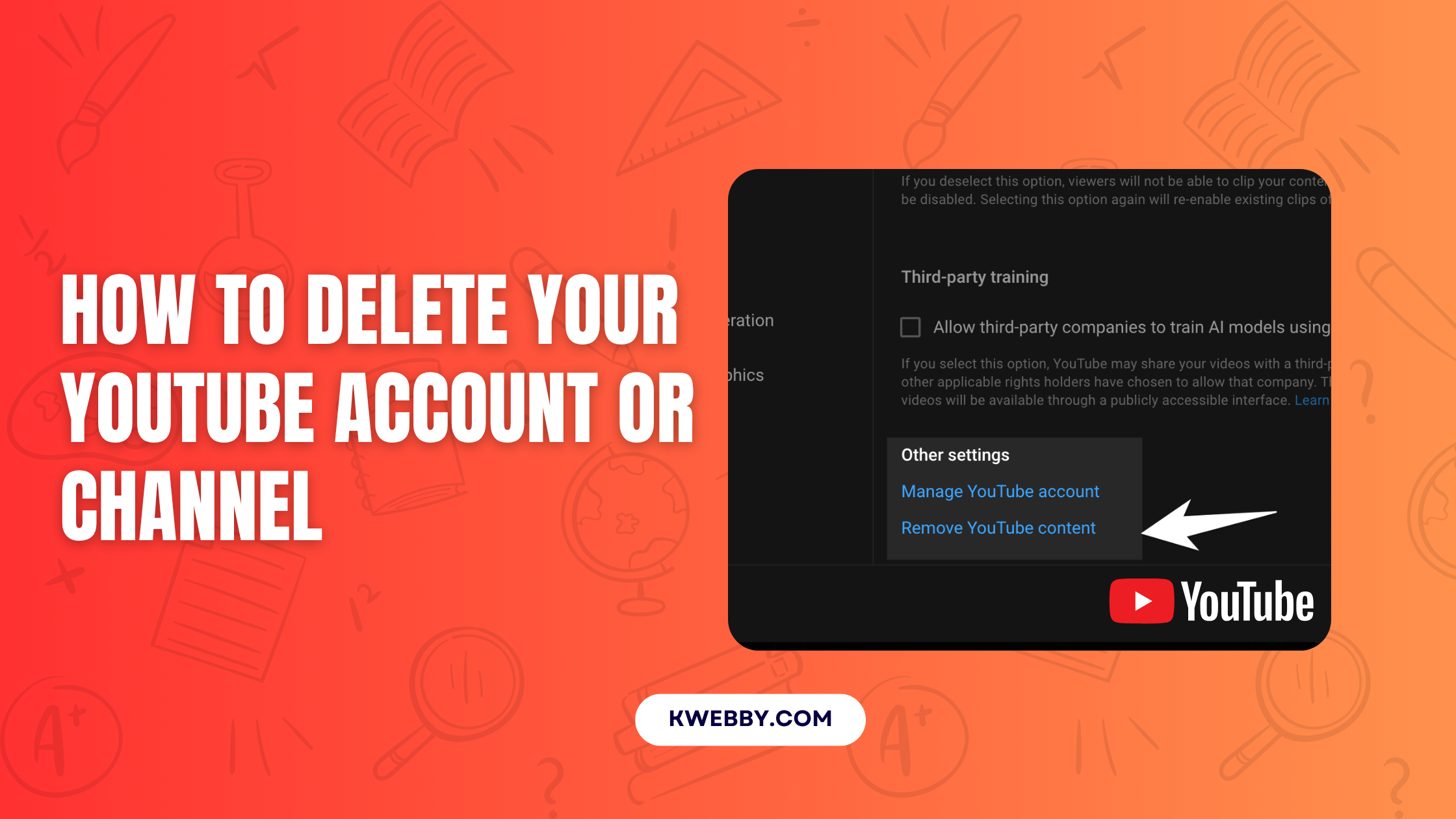

Deleting your YouTube account can be a significant decision, whether you’re seeking a break from digital distractions or protecting your privacy. It’s crucial to understand the process, what will be deleted, and the implications of your actions. This guide walks you through the steps to either temporarily hide your account or permanently delete it, ensuring you make an informed decision.
Key Takeaways
- Understand Your Options: You can choose between hiding your channel temporarily or permanently deleting your YouTube account.
- Backup Before Deleting: Use Google’s Takeout service to back up your videos and other YouTube data.
- Irreversible Actions: Permanent deletion removes all your videos, comments, playlists, and subscriptions.
- Affects Beyond YouTube: If you delete your entire Google account, it impacts all linked services like Gmail and Google Drive.
Different Methods for Deleting a YouTube Account
Method 1: Permanently Delete Your YouTube Channel
If you’re certain about removing your YouTube presence but wish to keep your Google account intact, follow these steps.
For Desktop Users
- Open YouTube and log into your account.
- Click your profile picture in the top-right corner and select YouTube Studio.
- From the left menu, choose Settings, then go to Channel > Advanced Settings.
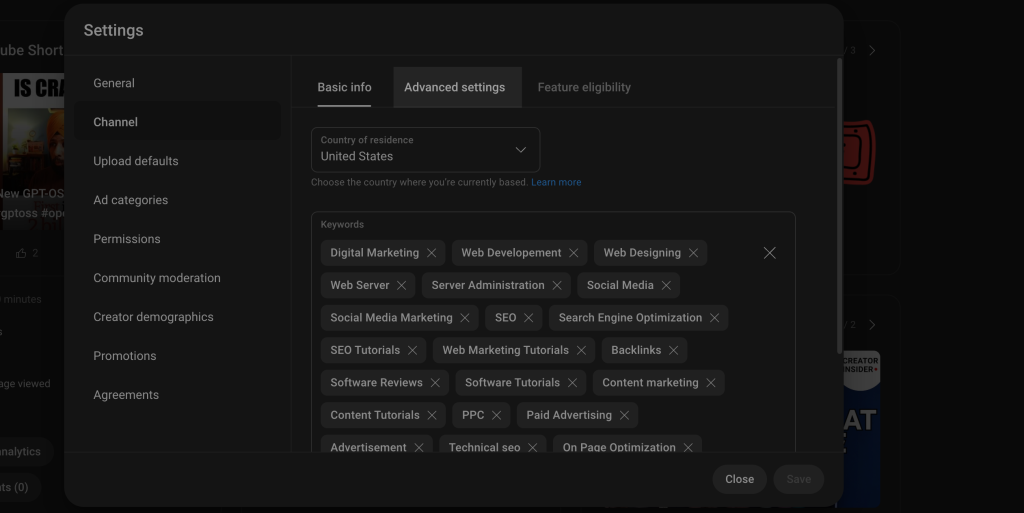
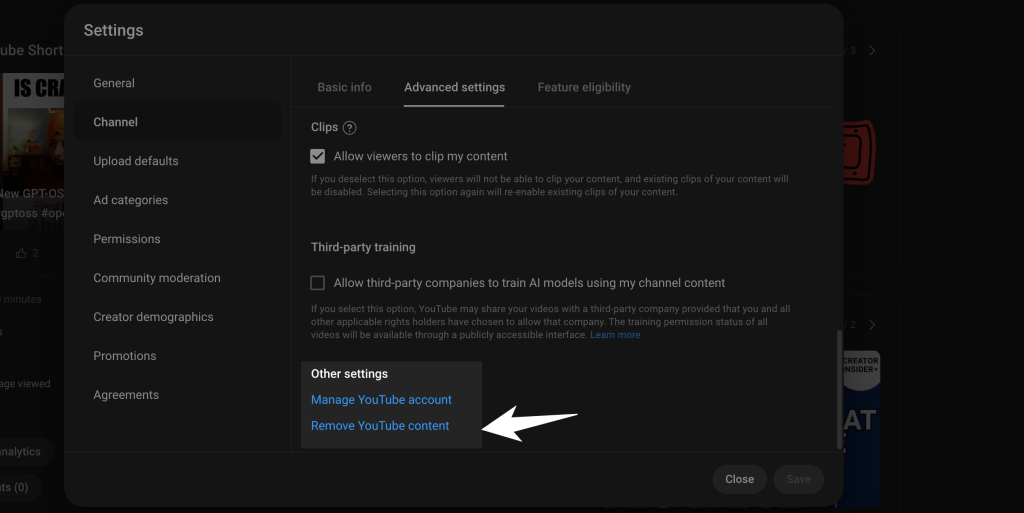
- Scroll to the bottom and click Remove YouTube Content (you may need to re-enter your password).
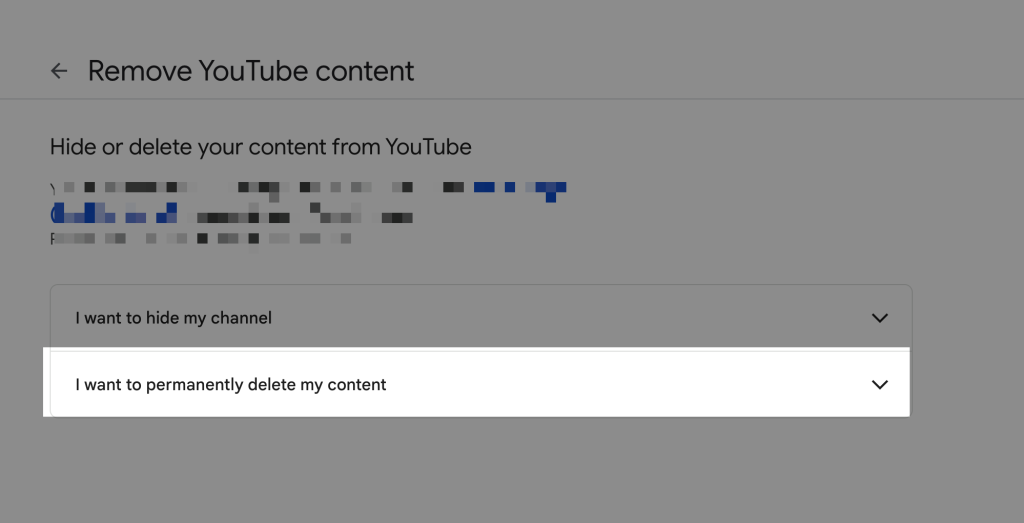
- Choose I want to permanently delete my content.
- Check the confirmation boxes to acknowledge what will be deleted.
- Enter your email and click Delete My Content to finalize.
For Mobile App Users
- There’s no such option to delete your content on official YouTube app, you have to open YouTube on any browser and follow the same instructions as above.
Method 2: Temporarily Hide Your Channel
If you’re unsure about permanent deletion, hiding your channel lets you make your content private while retaining the option to reactivate it later.
- Follow the same steps as permanent deletion until you reach the Remove YouTube Content page.
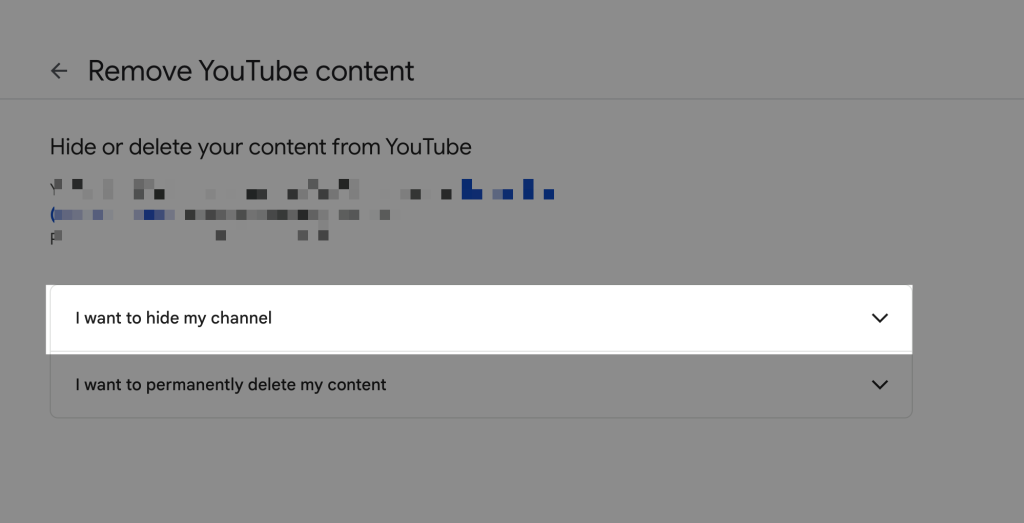
- Choose I want to hide my channel.
- Confirm your decision by selecting the appropriate checkboxes, then submit.
Deleting the Entire Google Account
Deleting your Google account is a drastic step that impacts all Google services. Ensure you’re prepared for the loss of Gmail, Drive, and Photos, among others.
- Navigate to your Google Account Settings.
- Go to Data & Privacy and select Delete your Google Account under the Data from apps and services section.
- Follow the prompts to confirm and finalize account deletion.
Important Considerations Before Deleting
Backup Your YouTube Data
Google’s Takeout service allows you to download your account data before deletion.
- Visit Google Takeout.
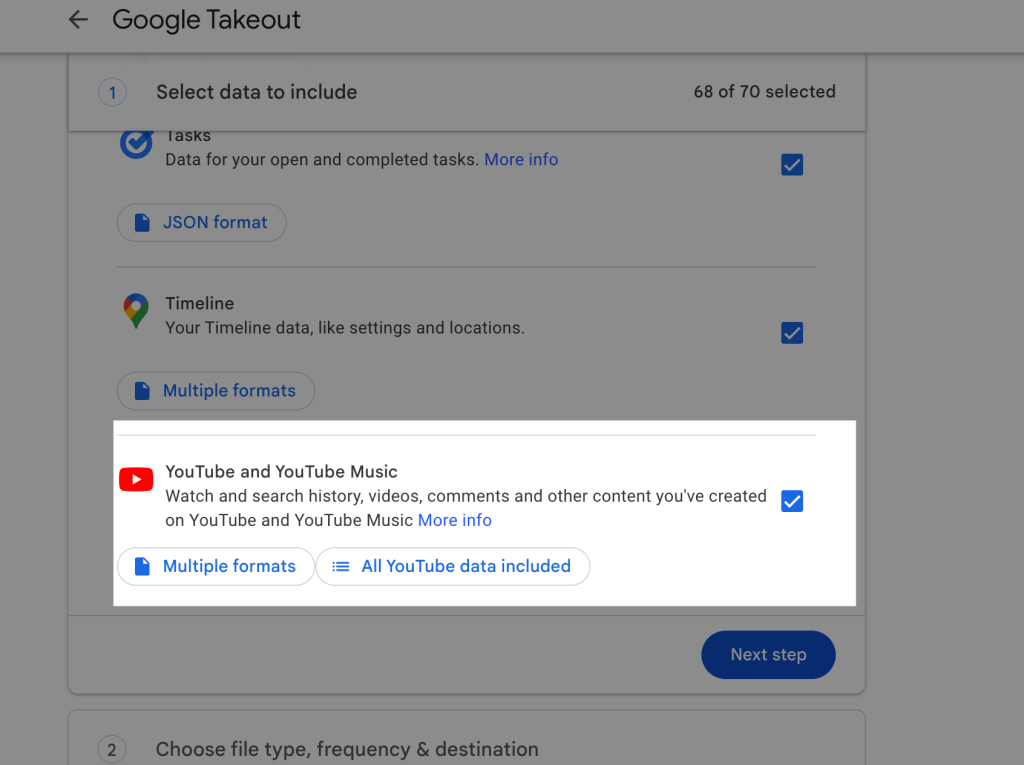
- Deselect all services and select YouTube and YouTube Music.
- Customize your data options, then set a delivery method (e.g., email).
- Click Create export, then download the files once they’re ready.
The backup includes videos, comments, playlists, and even analytics if you’re a content creator.
Recovery Window
Deleting a channel typically processes within minutes to hours. During this period, you may notice thumbnails still visible, but the content will soon become inaccessible. Once the process completes, it cannot be undone.
What Happens After Deletion
- Content Removal: Your videos, playlists, and comments are permanently erased.
- Search Results: Deleted videos will no longer appear in search results or recommendations.
- Channel URL: This will no longer be accessible.
- Retention of Data: While personal data is erased, some aggregate analytics may remain with YouTube for system purposes.
Alternatives to Deletion
If deletion feels too extreme, consider these alternatives to manage your account instead:
- Make Videos Private: Use privacy settings on your uploads to restrict visibility without deleting them.
- Disable Comments: Prevent further engagement on your videos by turning off comments.
- Rebrand Your Channel: Update your channel name and appearance to start fresh without losing your existing subscriber base.
Checkout our Free Youtube Resources;
- YouTube Backlink generator
- YouTube Video Downloader
- vidIQ Review 2025: How I Got 100k+ Views Using it?
Frequently Asked Questions (FAQs)
Can I recover my deleted YouTube account?
No, once the deletion is finalized, it cannot be undone. Backup your data beforehand.
Will deleting my channel also delete my Google account?
No, deleting your channel only affects YouTube. Your Google account will remain intact unless you manually delete it.
What happens to my subscriptions and subscribers?
Both will be permanently removed during the deletion process.
How long does it take to delete my account?
Deletion processing time varies based on account size but generally completes within hours.
Can I reuse my email to create a new YouTube account?
Yes, you can create a fresh account using the same email as long as it’s still linked to your Google account.
Final Thoughts
Deleting your YouTube account is a personal decision that requires careful consideration and preparation.
Whether you choose a permanent deletion, temporary hiding, or managing your account differently, understanding the process ensures you retain control over your digital presence.
Stay informed, back up your data, and weigh your alternatives to make the best choice for your needs.