WordPress tutorials are essential for anyone looking to create and maintain a successful website. At kwebby, we offer in-depth tutorials that cover everything from the basics of setting up a WordPress site to more advanced tips and tricks for customization. Our tutorials are designed to be user-friendly and easy to follow, making it possible for both beginners and experienced users to benefit from our resources. With our WordPress tutorials, you can learn how to create stunning websites, improve your site’s functionality, and optimize your content for maximum visibility. Stay ahead of the game with kwebby’s comprehensive WordPress tutorials.
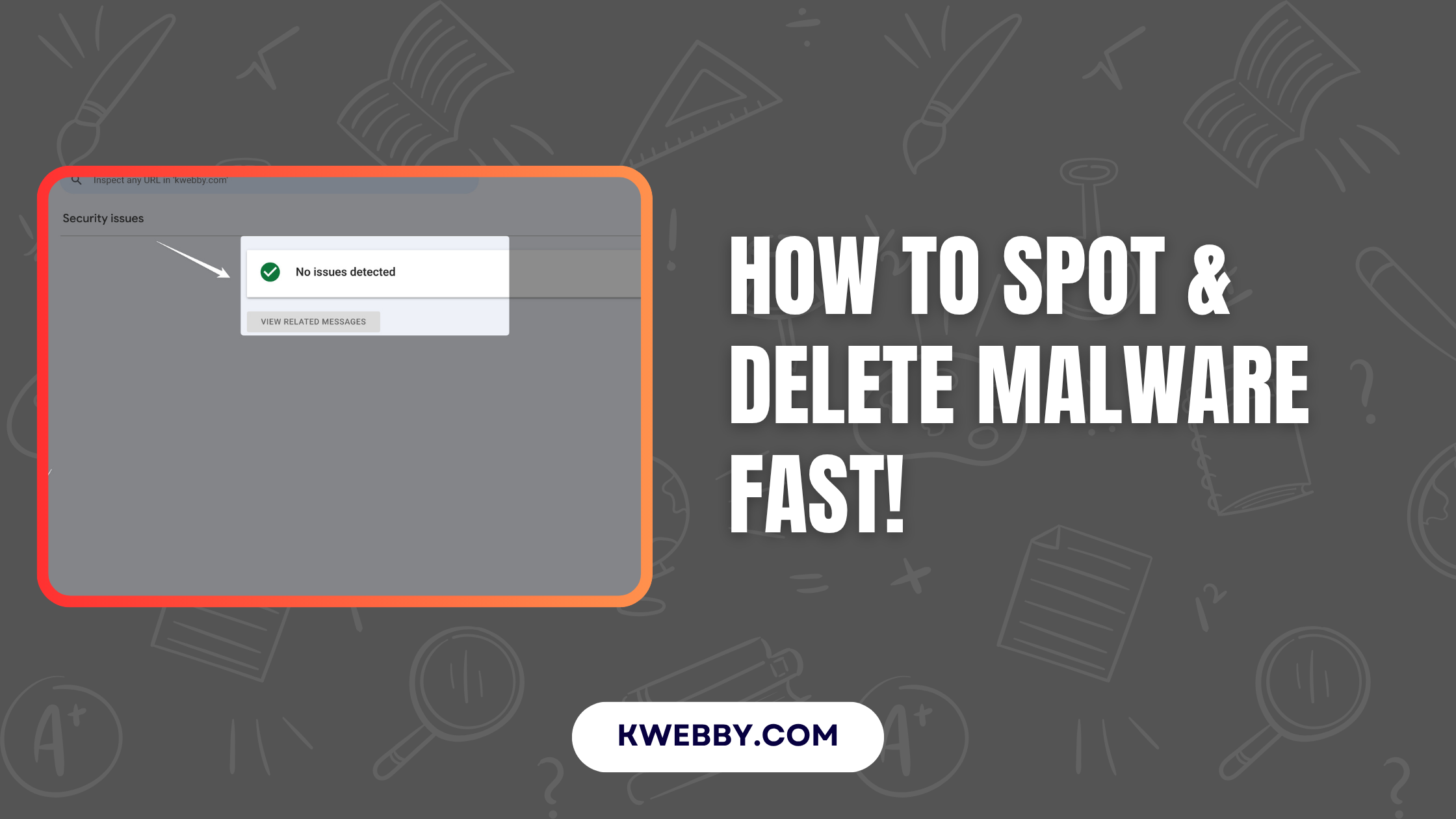
Malware infections on WordPress websites have become an increasingly common concern for site owners. These malicious threats can compromise your site’s security, disrupt functionality, and…
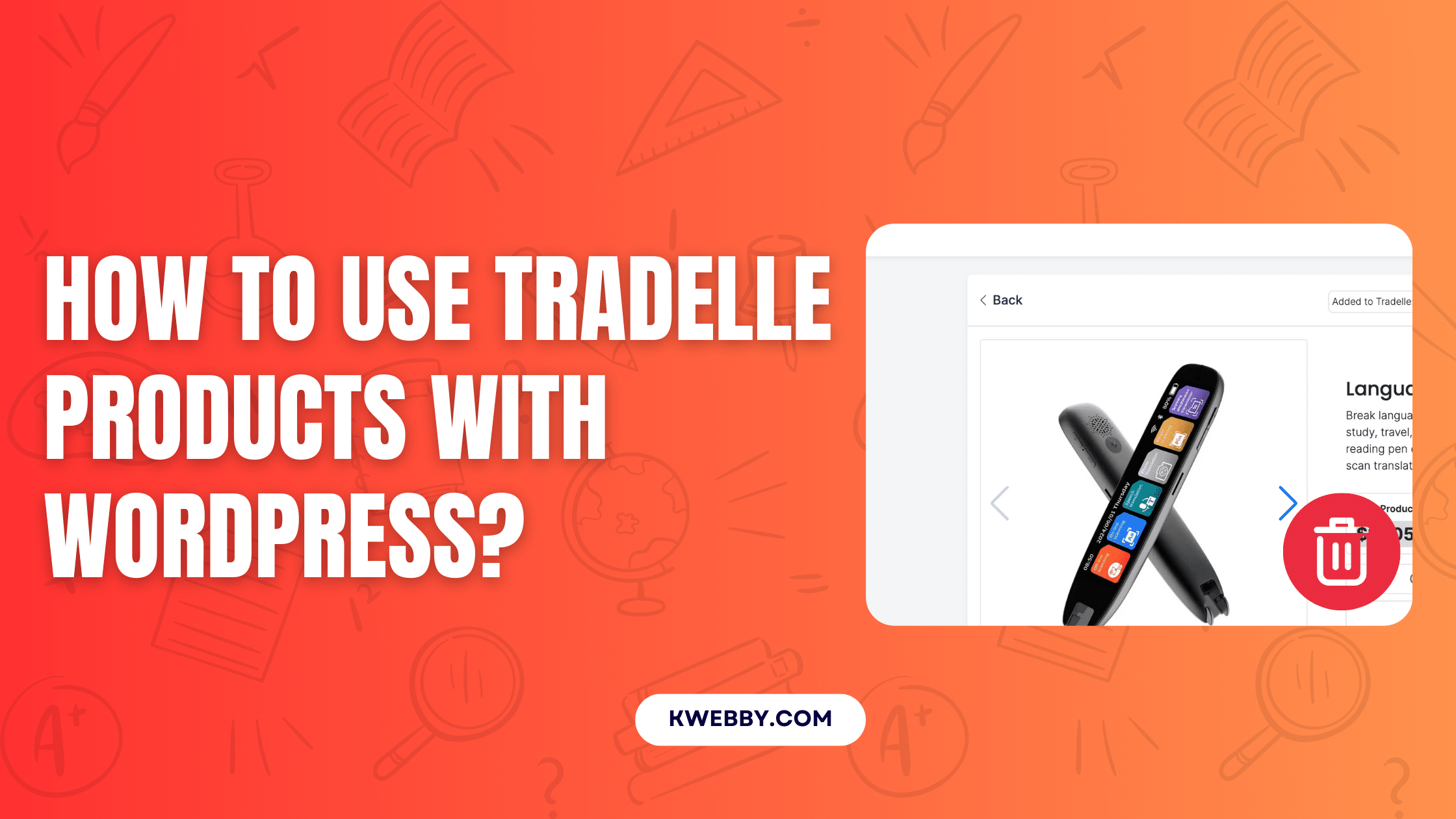
Integrating Tradelle products into your WordPress eCommerce website can significantly enhance your store’s product offerings and streamline your business operations. This guide will walk you…
In this guide, we will explore over 25000+ free and premium themes from renowned sources like wordpress.org and ThemeForest. Whether you are on the hunt…
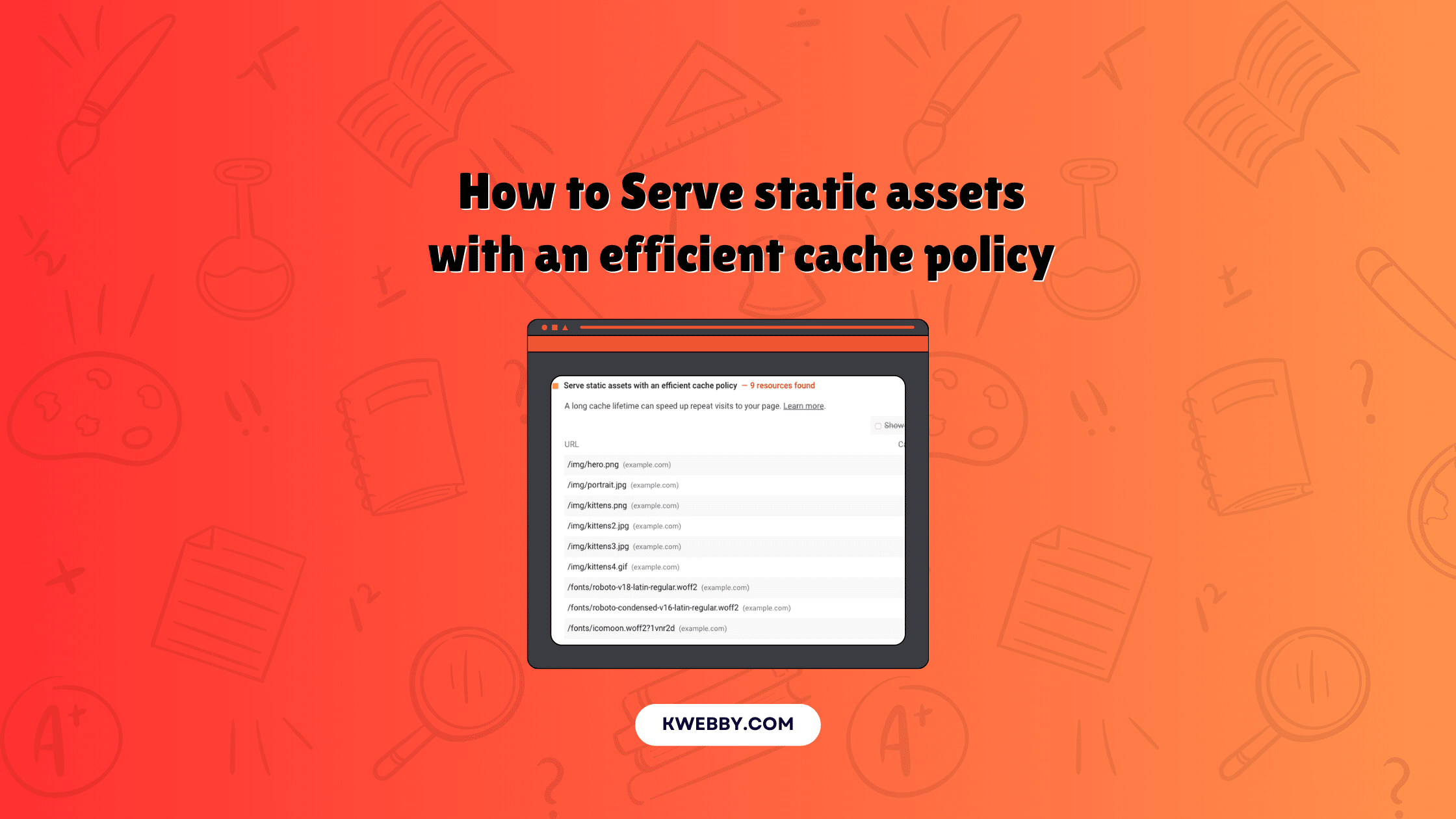
Are you keen to elevate your website’s performance and tackle the “Serve static assets with an efficient cache policy” recommendation from Google PageSpeed Insights? You’ve…
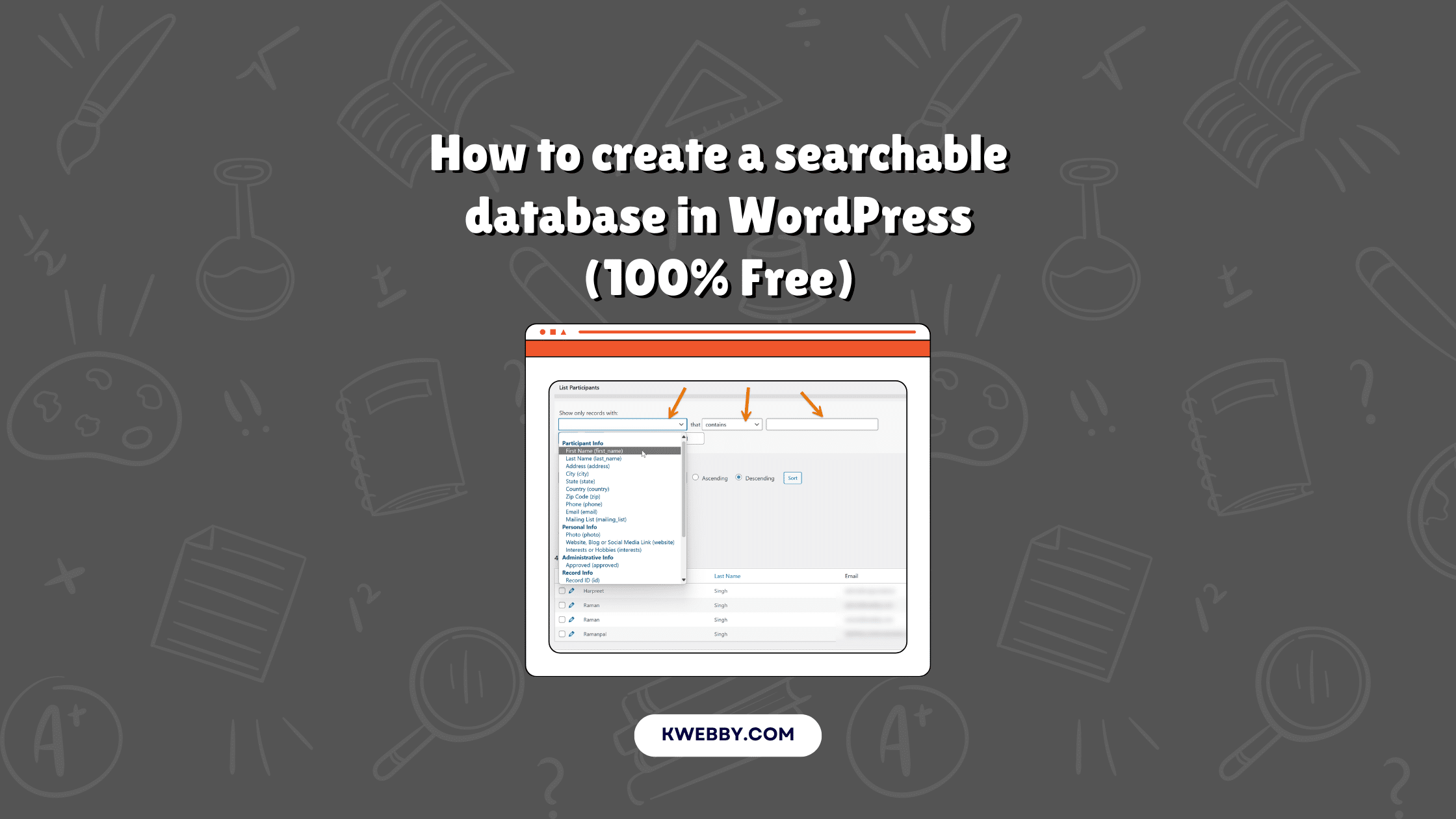
Looking to build a searchable database in WordPress? A searchable database helps you store, manage, and update all your website’s data in one central location.…
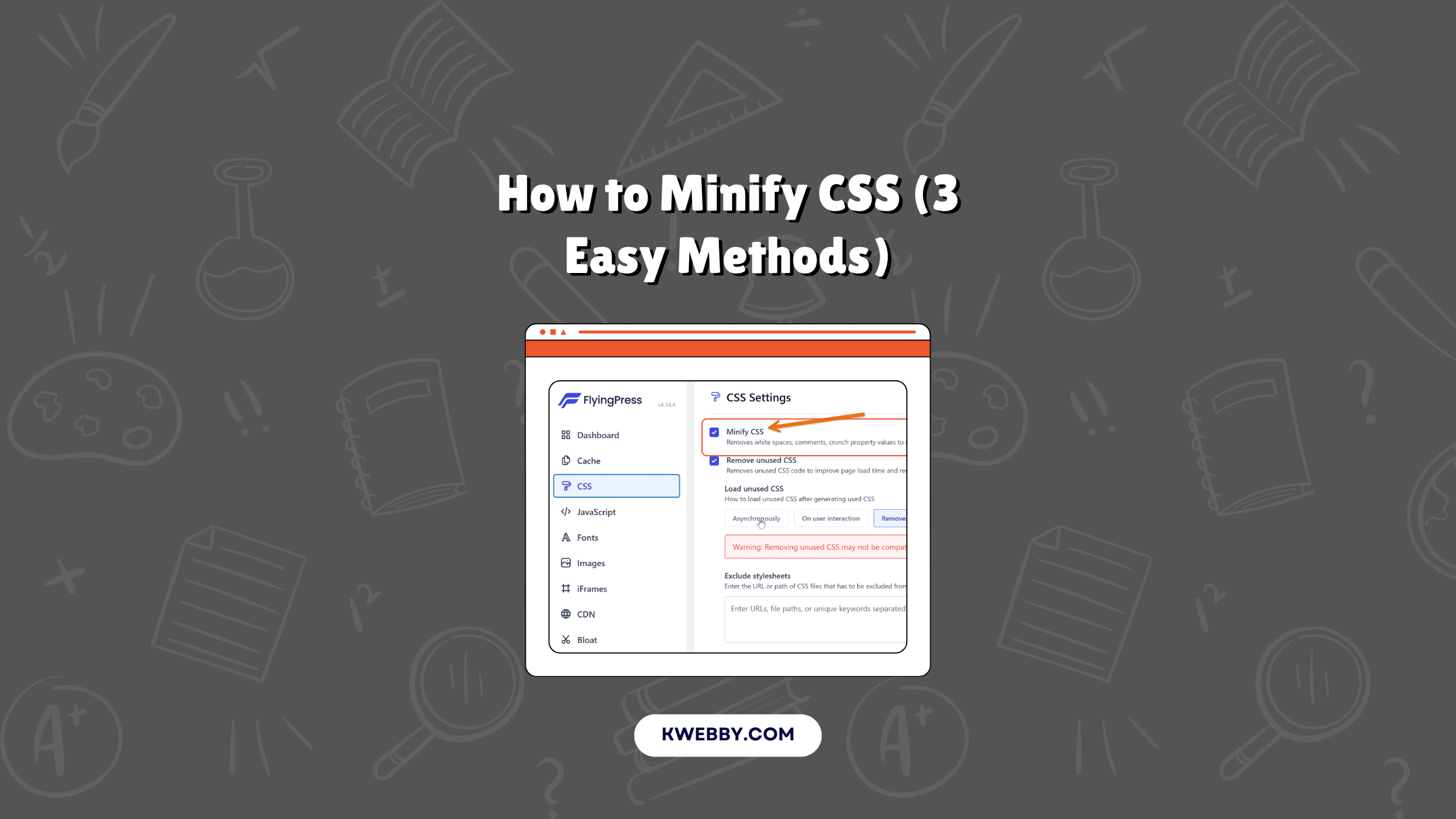
Minifying CSS is a crucial step in optimizing your website’s performance. Cascading Style Sheets (CSS) are essential for styling a website, but when these CSS…
Unused CSS can significantly slow down your website, impacting its performance and user experience. Many WordPress websites suffer from accumulated unused CSS, affecting vital metrics…