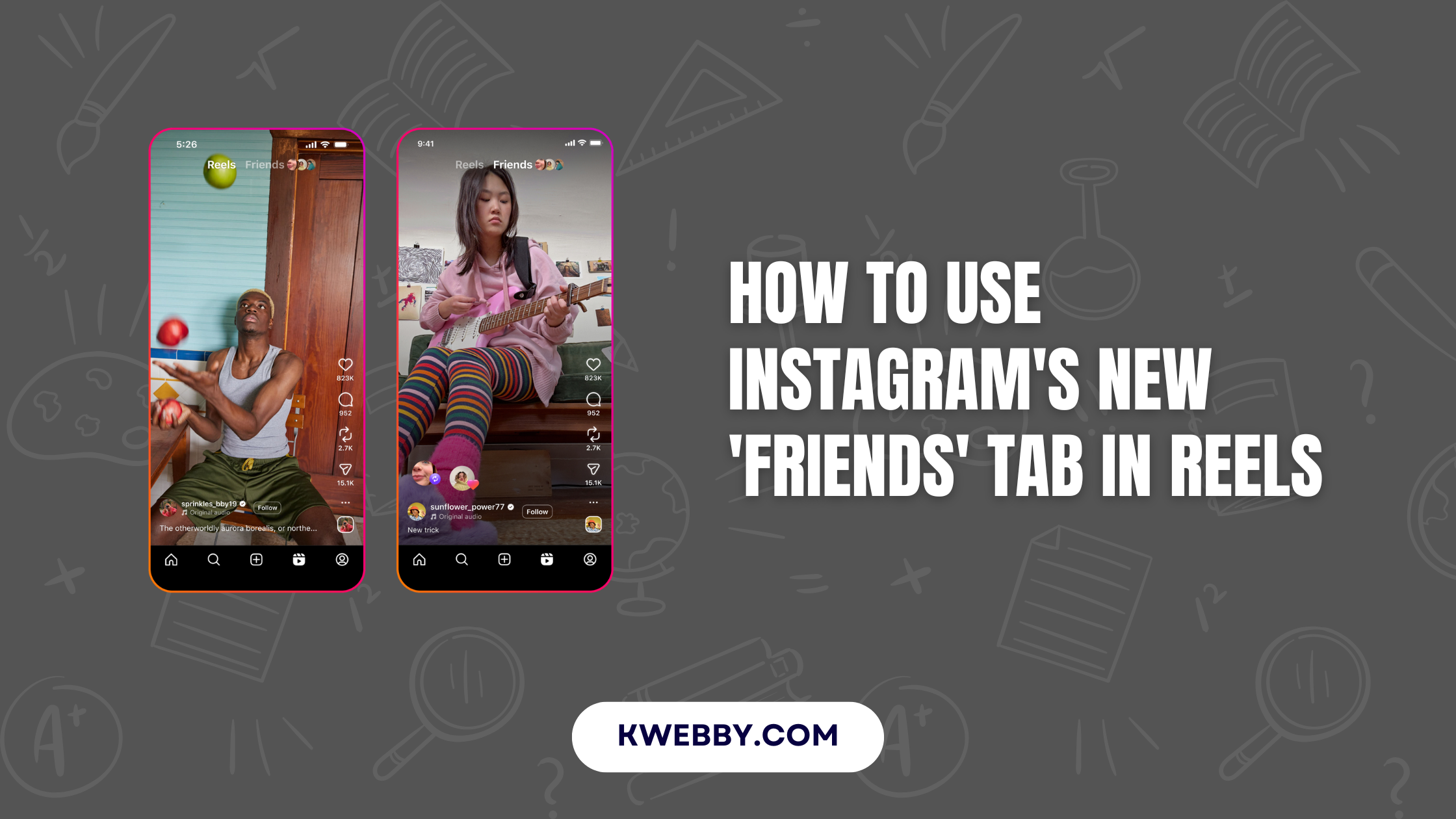

The way we connect with friends on Instagram is evolving. The new ‘Friends‘ tab in Reels offers a fresh way to engage by focusing on the content your friends like, share, or comment on. This feature goes beyond passive browsing, encouraging deeper connections through shared experiences.
This guide details everything you need to know about the ‘Friends’ tab, including its purpose, benefits, and how to use it to stay in sync with the moments your friends enjoy.
Key Takeaways
- Enhanced Connections: The ‘Friends’ tab prioritizes content your friends have interacted with, keeping you informed about their interests.
- Simplified Conversations: Easily start discussions around mutual content with an intuitive interface.
- Custom Controls: Enjoy privacy features such as managing your activity visibility and customizing the tab’s content.
- New Discoveries: Find inspiration through your friends’ favorite reels and public interactions.
What Is the ‘Friends’ Tab in Reels?
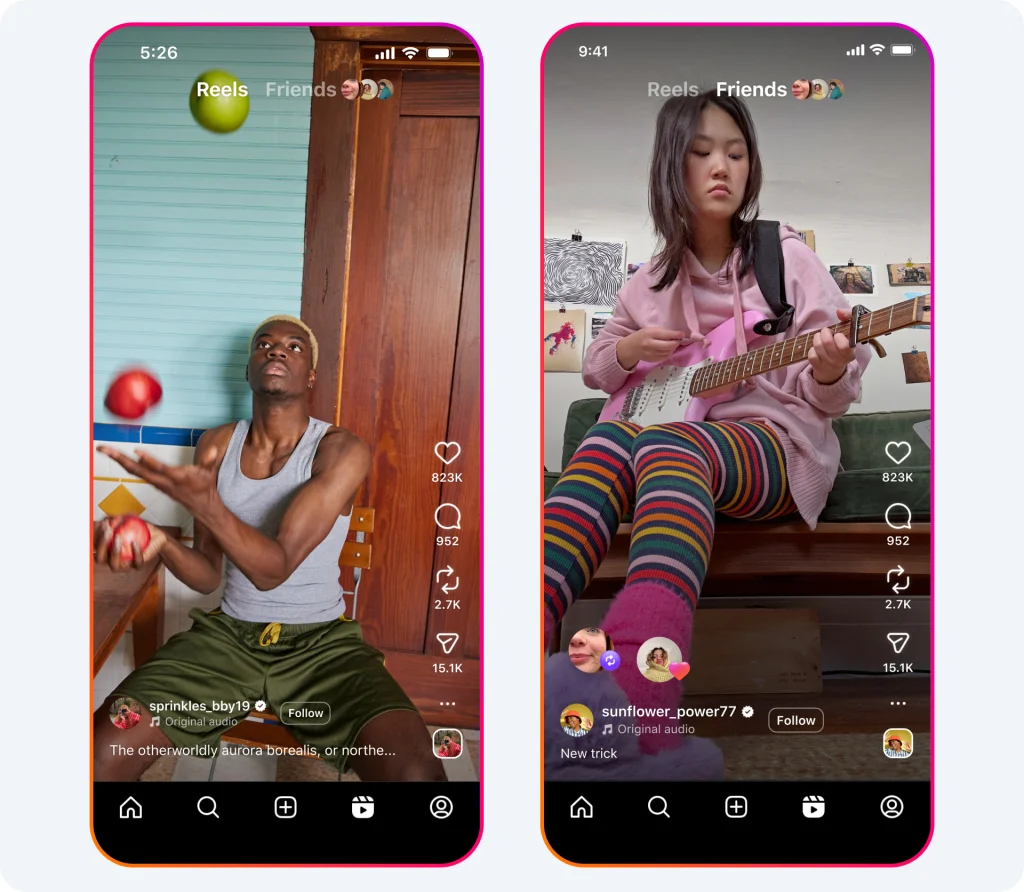
The ‘Friends’ tab is located at the top of your Reels section. It provides a curated feed of content your friends have interacted with, such as reels they’ve liked, created, commented on, or even reposted.
This feature organizes these interactions into one place, making it easy to join conversations or explore interests. If a friend loves a specific reel and leaves a comment, this activity becomes visible on the tab, allowing you to view and engage with it directly. Think of it as a tool for discovering shared moments and staying updated on your connections’ Instagram activities.
Other new features;
How to Use the Instagram Map Feature to Connect with Friends
How to Use Instagram’s New Repost Feature to Share Content!
Why It Matters
Sharing and engaging with content can feel more personal when friends are involved. Instead of relying purely on random algorithm-driven suggestions, the ‘Friends’ tab places emphasis on sharing experiences that mean something to people closest to you.
How to Use the ‘Friends’ Tab
Access the ‘Friends’ Tab
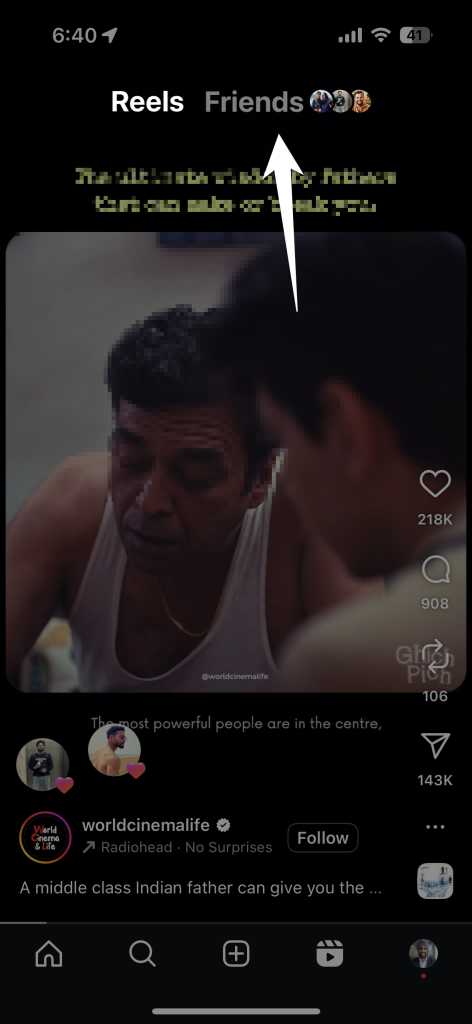
- Open the Instagram app and go to the Reels section.
- Tap on the ‘Friends’ tab, located at the top near the default Reels tab.
- From here, you’ll see a feed tailored to your friends’ interactions.
Interact with Content in the Tab
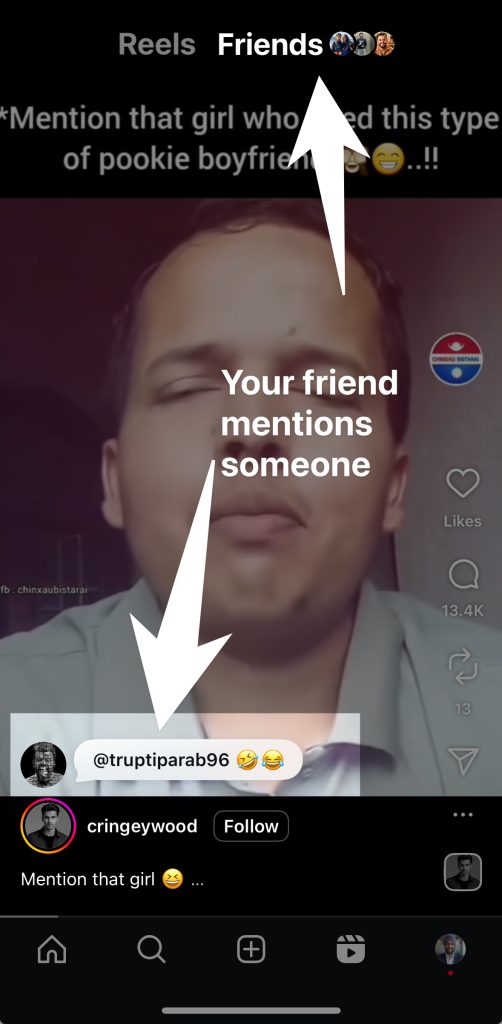
- See which reels your friends have interacted with, such as their likes, comments, or reposts.
- Tap on any reel to watch and engage — like, comment, or share it yourself.
Start Conversations
- Directly start a discussion about particular content by replying to a friend’s comment on the reel, leaving your own comment, or sending the reel via DM to spark private conversations.
Customize Your ‘Friends’ Tab Experience
Hide Your Activity
- If you’d prefer not to share your own likes, reposts, or comments, adjust your settings under account privacy.
Control Content Visibility
- Set preferences to limit what appears in your ‘Friends’ tab using options for muting specific friends or adjusting settings for how your activity is displayed.
Use Features to Enhance Privacy
Mute Activity Bubbles
- If there are updates or interactions from certain accounts you want to avoid seeing, you can mute them easily without unfollowing them entirely.
Explore Blends
- For those who prefer automated suggestions, Blends within the tab highlight shared group interests.
By following these steps, you can create a meaningful and streamlined experience while exploring content in the ‘Friends’ tab.
Frequently Asked Questions (FAQs)
Can I Hide My Activity in the ‘Friends’ Tab?
Yes, you can hide your activity. Go to your account privacy settings and disable visibility for actions like likes, comments, or reposts.
How Do I Control What Appears in My ‘Friends’ Tab?
The content shown is based on your friends’ public interactions. However, you can customize the tab by muting specific accounts or activities you don’t want to see.
Can I Mute Specific Friends?
Yes, the feature includes muting options. This allows you to block updates from certain friends without needing to unfollow or block them.
Is My Activity Automatically Visible to Everyone?
Only your connections (individuals you follow back) can see your actions if visibility is enabled. You can always adjust these settings for privacy.
Does the ‘Friends’ Tab Replace the Default Reels Feed?
No, the ‘Friends’ tab is an optional feed within Reels. You can easily toggle between it and the standard Reels feed from the top tabs.
Is the ‘Friends’ Tab Available to Everyone?
Instagram has global plans for rolling out the ‘Friends’ tab, and all users will eventually gain access. Ensure your app is fully updated to use this feature.
What Happens If My Friend Has a Private Account?
Interactions on private accounts appear in your ‘Friends’ tab only if both you and the private account follow each other.
Final Thoughts
The ‘Friends’ tab transforms how we experience Instagram Reels by creating a dedicated space for shared social content. Those brief glimpses into the reels that friends enjoy, comment on, or share foster deeper connections and invite more meaningful interactions.
Personalize the feature to suit your preferences and make Instagram feel more like a community and less like a solo experience. Whether you’re discovering a new reel, starting conversations, or sharing feedback with friends, the ‘Friends’ tab makes staying connected effortless and fun.
Start using the ‘Friends’ tab today to bring new depth to your Instagram friendships.