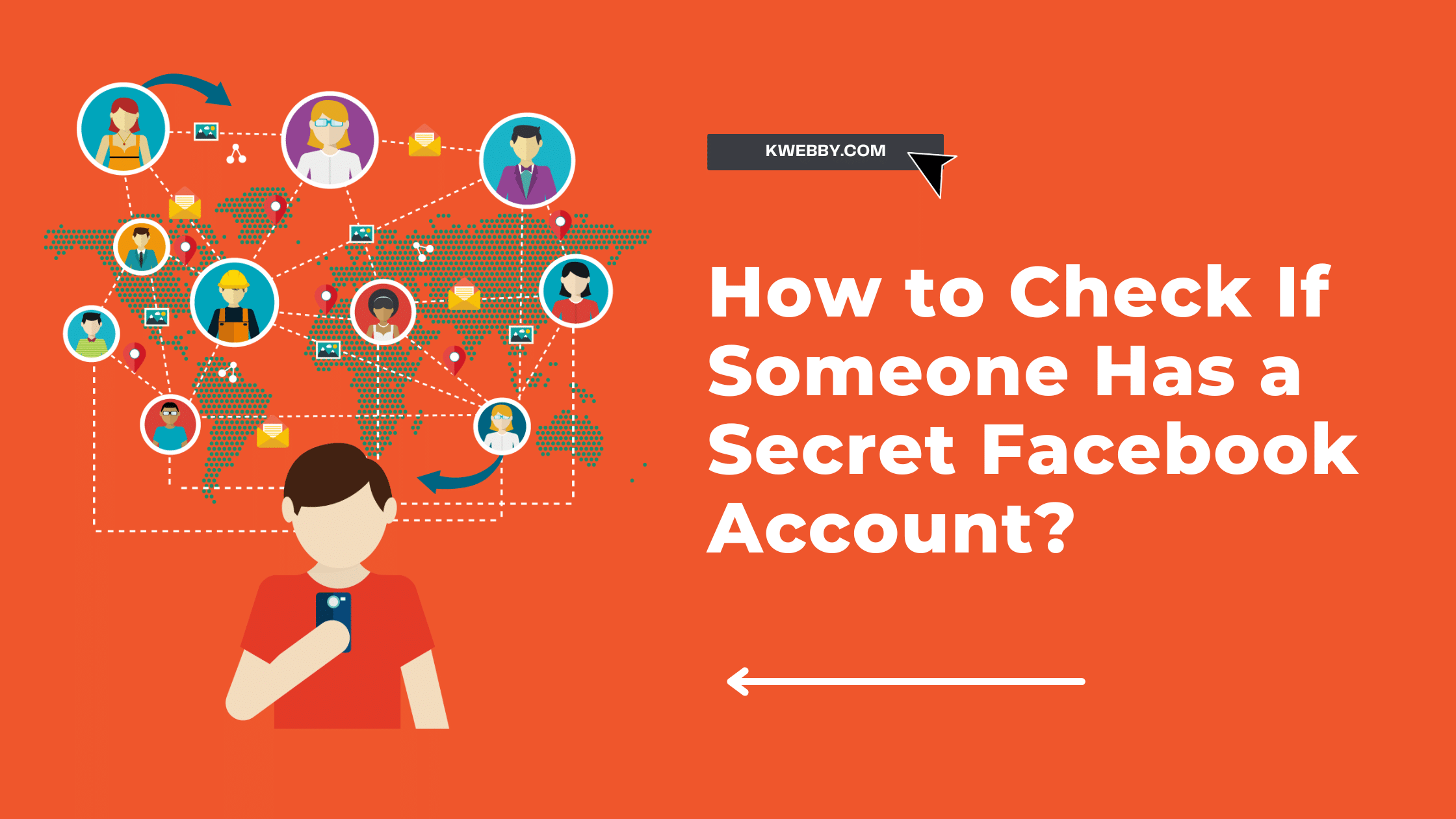
You can sometimes find another Facebook profile through information its owner has made public. You cannot reliably prove that someone has a “secret Facebook account” just by searching their name, comparing photos or checking a list of friends.
A result might belong to someone with the same name, an old account or an impersonator. An empty search leaves the question unanswered, too.
I’d start by separating two questions: “Is this profile really theirs?” and “Why does this profile exist?” A search may help with the first. It cannot tell you someone’s intentions.
Below, I’ll explain the public checks worth using, the limits that matter, and what to do if your concern is impersonation or the security of your own account.
Key takeaways
- There is no conclusive public search for every profile a person uses. Missing results and similar-looking profiles can both be misleading.
- An additional profile can be a normal Facebook feature. It is different from registering a separate account.
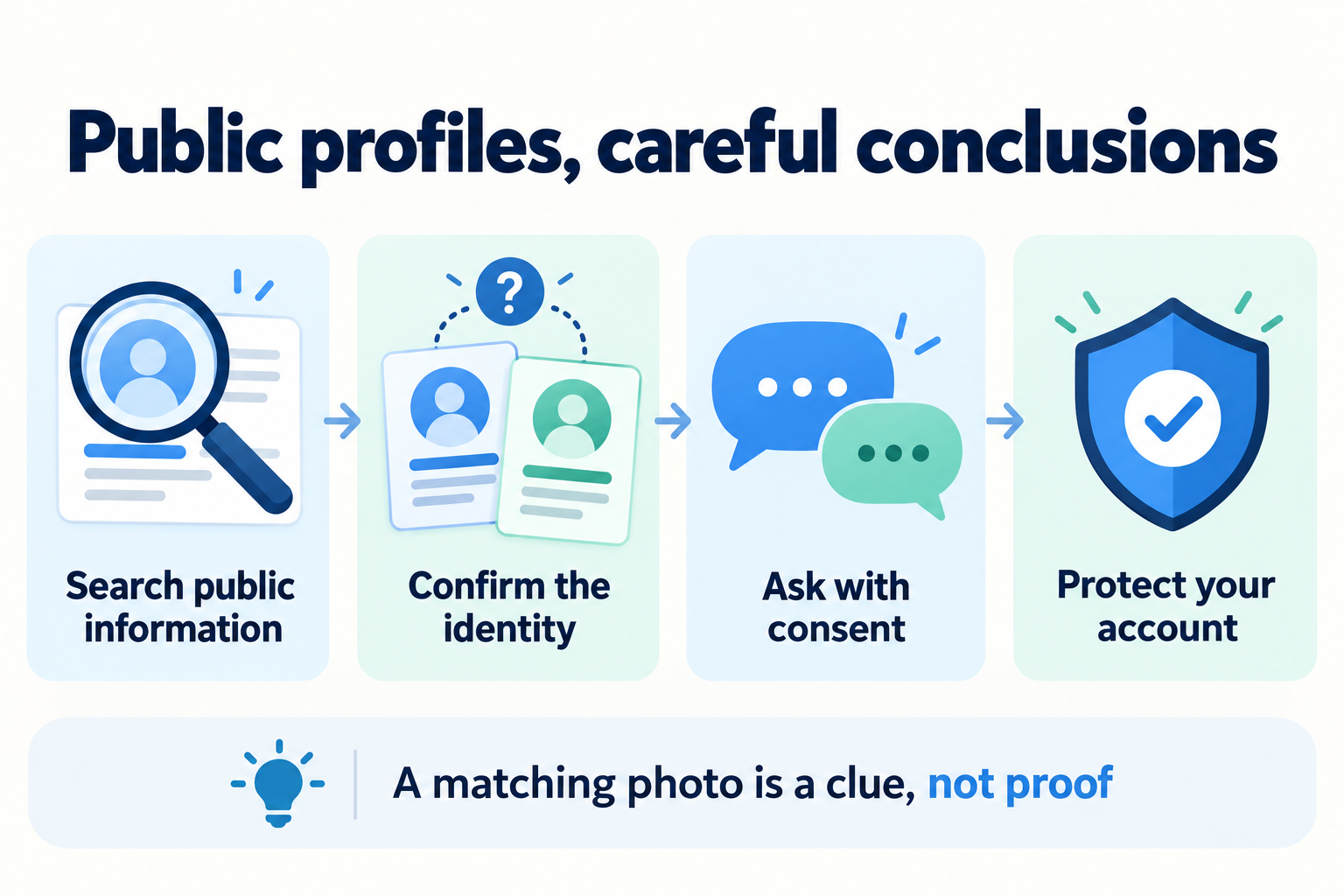
- Confirm identity before drawing conclusions. A matching name, photo or mutual friend is only a clue.
- Keep any checks within public information and freely given consent. Private messages, someone else’s login and account-recovery tools are outside that boundary.
- Use Facebook’s reporting and security tools for the problem you actually have. Suspected impersonation and an unfamiliar login to your own account need different responses.
Can you tell if someone has another Facebook profile?
Sometimes you can find a public profile and confirm who owns it. That still does not give you a complete list of the person’s Facebook activity.
There is an important difference between finding a possible match and confirming an identity. A profile using someone’s name might be genuine, copied or unrelated. A profile that you cannot open gives you even less to work with.
I would treat the possible outcomes like this:
- You find no result: the search has not answered the question
- You find a similar name or picture: you have a possible match that needs verification
- The person confirms the profile through a channel you already trust: you have much stronger evidence of ownership
- The person says it is not theirs: consider mistaken identity or impersonation rather than assuming they are lying
You also cannot read a relationship from a search result. A different display name, a quiet profile or a preference for keeping a phone private does not establish dishonesty.
Additional Facebook profiles and separate accounts are different
Facebook introduced the option for eligible adults to create up to four additional personal profiles under one account. These profiles can have their own names, feeds and connections.
In its announcement about additional personal profiles, Meta gives examples such as keeping up with an interest-based community separately from friends and family. It also says the main profile does not show that someone has additional profiles.
That feature is different from registering another account with a separate login. Two profile pages alone do not tell you which arrangement someone is using.
For me, the practical takeaway is simple: seeing another profile is not enough to label it deceptive. You need context from the person, and they may have ordinary reasons for keeping different audiences separate.
How to check public information without crossing privacy boundaries
If you want to reconnect with someone or verify a profile you have already encountered, start with the information they deliberately share publicly. Keep the search narrow and stop when you have enough to ask a straightforward question.
1. Search the name or public username they use
Use Facebook’s search field for the name or public username you already know. If your version shows a People filter, it can help separate profiles from posts, groups and Pages.
Check the spelling before assuming that two similar results refer to the same person. A common name can produce many unrelated matches.
Only compare details visible to you in the normal interface. Do not create a misleading identity, send deceptive friend requests or ask someone else to show you content you have been excluded from.
If you cannot find a profile, leave the result as uncertain. There is no need to turn a failed search into a claim about what the person is hiding.
2. Check links the person has chosen to publish
A Facebook link on a personal website or another public profile can be useful because the person has chosen to point people there.
For example, a photographer might link to a Facebook presence from their portfolio. That is a better starting point than a matching headshot on an unrelated page.
Even then, check that you are on the person’s real website. A copied website or an old link can lead you in the wrong direction. For anything important, ask them to confirm the URL through an existing conversation.
3. Use Google as a limited public-web check
A basic search such as site:facebook.com “public name” can help locate Facebook pages Google has indexed. Use a public name or handle rather than submitting private contact information to a finder service.
Google explains that its site: operator does not necessarily return every indexed URL. Its search requirements also explain that content behind a login is not available for normal crawling.
So an empty Google result cannot prove that a profile does not exist. A result snippet may also give you less context than the page itself.
Open the actual result and check what it says. If it requires access you do not have, respect that boundary. Search operators do not unlock private posts or reveal every additional profile.
4. Ask the person to confirm a specific link
When it is safe and appropriate to ask, a specific question is clearer than an accusation.
You could say: “I found this Facebook profile with your name on it. Is it yours, or could someone be copying your profile?”
Send that question through a conversation or contact method you already trust. Asking only the unfamiliar profile lets an impersonator answer on the other person’s behalf.
Let the person decide what they want to share. Confirming a public link does not require handing over a password, opening private messages or agreeing to ongoing monitoring.
What names, photos and mutual friends can actually tell you
These details can help you notice a possible connection. None is a reliable identity check on its own.
- The same name: several people may share it, and someone can copy it
- The same picture: the image may have been reused or stolen
- Mutual friends: a shared connection does not establish who controls a profile
- Few public posts: you only know that little is visible to you
- Similar writing: common phrases and emojis are not proof of ownership
Think about a simple example: you see the same portrait on two profiles. One explanation is that the person uses both. Another is that somebody copied the photo. The picture alone cannot choose between them.
I would not build a case around friend suggestions, activity indicators or changes in posting habits either. Those observations do not explain why someone is using Facebook in a particular way.
If you want to save the profile link while checking possible impersonation, keep it private. Avoid publishing an accusation or collecting unrelated details about the person’s contacts.
Avoid hidden-profile finders, recovery probes and monitoring apps
Be cautious when a service promises a complete list of someone’s hidden accounts. Before accepting the claim, ask what information the service actually has and whether it can establish who controls the result.
The FTC explains how people-search sites work: they compile information from sources such as public records, public social profiles and other data brokers. That description does not establish access to a complete, current inventory of a person’s Facebook profiles.
I would not treat a paid report as proof that someone owns an account. I would also avoid submitting their private email address, phone number or other personal information simply to test a marketing claim.
Some guides suggest using Facebook’s password-recovery process to investigate somebody else. Keep recovery tools for recovering your own account. They are not an appropriate identity-search shortcut.
Do not install software to secretly read someone’s messages, record their typing or track their location. Do not sign in with their saved credentials or inspect an unlocked device without permission.
The FTC’s stalkerware guidance describes how covert monitoring can expose private activity and support abuse. A disclaimer about “responsible use” does not make secret partner surveillance a suitable way to answer a Facebook question.
If the concern is trust in a relationship, talk about the concern and the boundaries you both want, where it is safe to do so. Access to someone’s entire account is not a substitute for that conversation.
What to do if a profile may be impersonating you or someone you know
A copied name and photograph can make a fake profile look familiar. Take a moment before accepting a new friend request or replying to an unexpected message.
- Verify through an existing contact. Ask the real person whether the profile or request is theirs
- Keep the relevant evidence. Save the profile URL and, if safe, screenshots of the impersonation or suspicious request
- Use Facebook’s reporting options. Look for the report control associated with the profile or content, and choose the option that accurately describes the issue
- Use official in-app support if you cannot find the right reporting path. Menu labels and available support features can differ
- Avoid engaging with demands for money, passwords or verification codes. Verify the person independently before taking any action
Meta identifies reporting impersonation as an official support use case. That is a better route than paying an unfamiliar “account investigator” to resolve the problem.
Report the specific misleading behavior rather than assuming every duplicate-looking profile is fake. If a profile really is impersonating you, warn relevant contacts through a channel you control and keep the warning factual.
An impersonating profile and a hacked account are different problems. A copied profile can exist without access to your real login. If your actual account is sending messages or changing settings without you, you also need an account-security review.
How to protect your own Facebook account and privacy
If someone may be monitoring you and you fear their reaction, read the safety section below before changing access or settings.
For a routine privacy review, I’d begin inside Facebook itself. Meta continues to recommend Privacy Checkup, two-factor authentication and login alerts.
Use Privacy Checkup to review the audience for your information and the ways people can connect with you. Choose the level of visibility you actually want, rather than leaving settings untouched because they are easy to overlook.
For account access, use a strong, unique password, enable two-factor authentication and review the security recommendations Facebook shows you. Meta also documents Security Checkup as a way to review account protection.
If you use additional profiles, review their privacy settings separately. Meta says settings from one profile do not simply carry over to another.
You can also review who is on your own friends list. My guide to removing Facebook friends explains native options if you want to reduce unwanted connections.
If a control fails to load, that alone does not tell you anything about somebody else’s profiles. Use Facebook’s official in-app support for the technical issue.
If you think somebody is monitoring your device
Put your safety ahead of troubleshooting. The FTC warns that removing stalkerware or taking other steps can alert the person monitoring you and may escalate abuse.
If possible, use a different device that you believe is safer to contact a trusted person or a local domestic-abuse support service. A trained advocate can help you consider a safety plan and ways to preserve evidence before making changes.
Do not assume that private browsing makes a monitored device safe, or that an immediate reset is always the safest first move. Your circumstances matter.
The FTC’s full guide to stalkerware and support explains these precautions. You do not need to confront someone or prove exactly how monitoring happened before seeking help.
Frequently asked questions
How do I find hidden profiles on Facebook?
You can search public names, usernames and links someone has shared. Those checks cannot reveal every profile or unlock private content. If a profile is relevant to you, ask the person to confirm its link through a trusted contact method.
Can you tell if someone has two Facebook accounts?
Finding two similar profiles does not establish whether one person controls both or whether they belong to one account or separate accounts. Confirming ownership requires more than names, pictures or mutual friends.
Does an additional Facebook profile mean someone is being dishonest?
No. People can organize their interests and audiences in different ways. A profile’s existence does not establish someone’s motives or what they have agreed to share in a relationship.
Can a phone number or email search reveal all of someone’s profiles?
You should not expect a complete or conclusive result. A third-party association is not proof of ownership, and Facebook’s account-recovery tools should be used for your own account rather than to investigate somebody else.
Does a matching profile photo prove it is the same person?
No. Someone may have copied the photo. Check through a contact channel you already trust, especially if the profile asks for money, personal information or a verification code.
Should I check my partner’s phone to find another account?
Only look at information they freely choose to share with you. Knowing their passcode or being able to open their phone is not the same as permission to search it. If it is safe to talk, ask about the specific concern without demanding access to private conversations.
What if I find a fake profile using my pictures?
Save the relevant link and evidence if it is safe, then report the impersonation through Facebook’s own controls. If your real account is also behaving unexpectedly, review its security separately.
Final thoughts
The useful answer to “Does someone have another Facebook profile?” starts with careful limits. Public information may help you find a profile, but it does not give you certainty about identity, account structure or intentions.
I’d use a public link and a direct, respectful question before relying on a profile-finder claim. If the issue is impersonation, report it. If the issue is your own privacy or security, use the account controls available to you and put personal safety first.