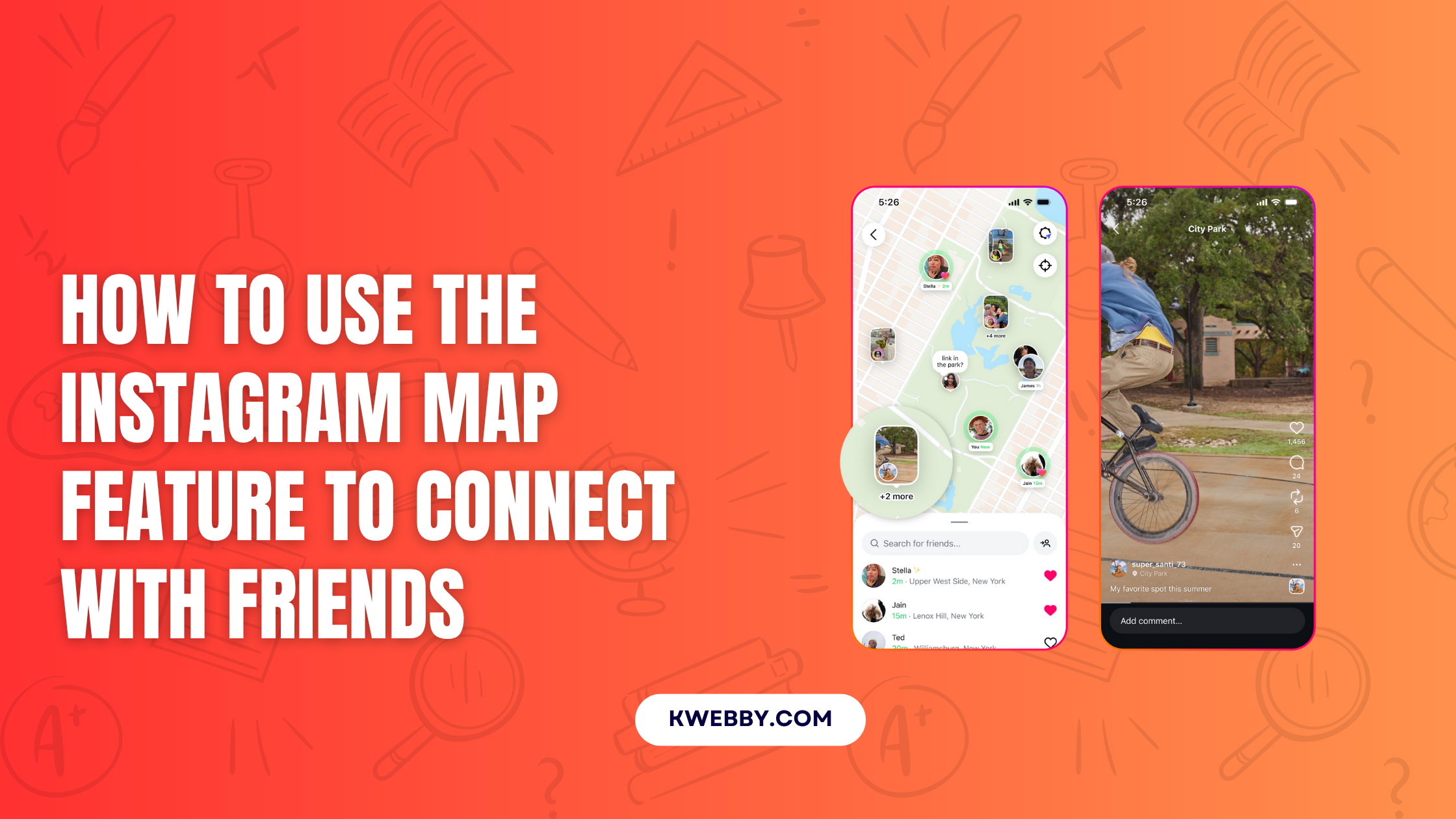

Staying connected with friends is crucial in our daily lives. Social platforms like Instagram make this easier by introducing features designed for seamless interaction. Among its latest offerings, the Instagram map stands out as a fantastic way to share experiences and explore shared moments with friends.
This guide will break down how the Instagram map works, its benefits, and how you can use it to enhance interactions.
Key Takeaways of the Instagram Map
- Location Sharing: Share your current location responsibly with selected friends.
- Explore Content: Discover posts, stories, and reels tagged with locations.
- Strengthen Friendships: Stay updated with friends’ activities in specific places.
- Privacy Settings: Retain full control over who can see your shared location.
Introducing the Instagram Map Feature
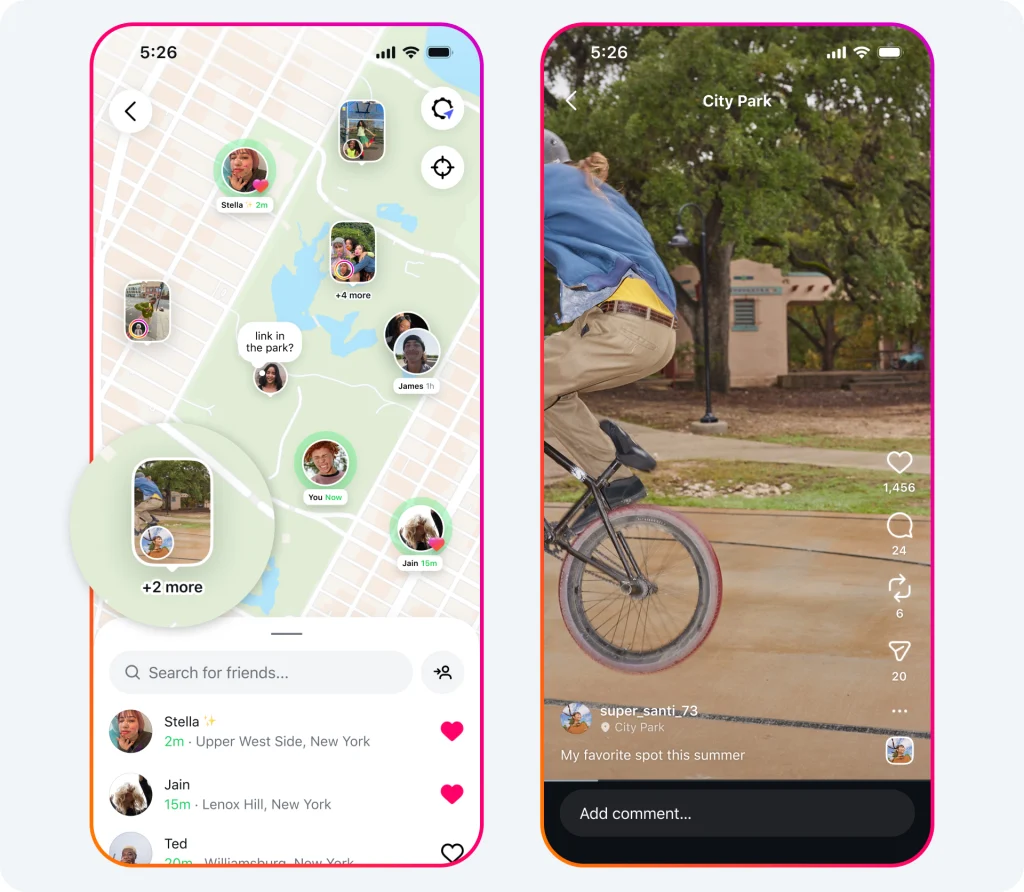
The Instagram map is designed to help users connect through shared experiences and surroundings. This feature integrates location-sharing capabilities with location-based content exploration, offering a new way to engage with friends and creators.
Note: This feature is rolling out to the US Only for now.
How It Works
The Instagram map allows users to share their last active location with selected friends or groups. Content with tagged locations also appears on the map, giving users the option to explore places through stories, reels, and posts from the accounts they follow.
Here’s what the feature includes:
Location Sharing
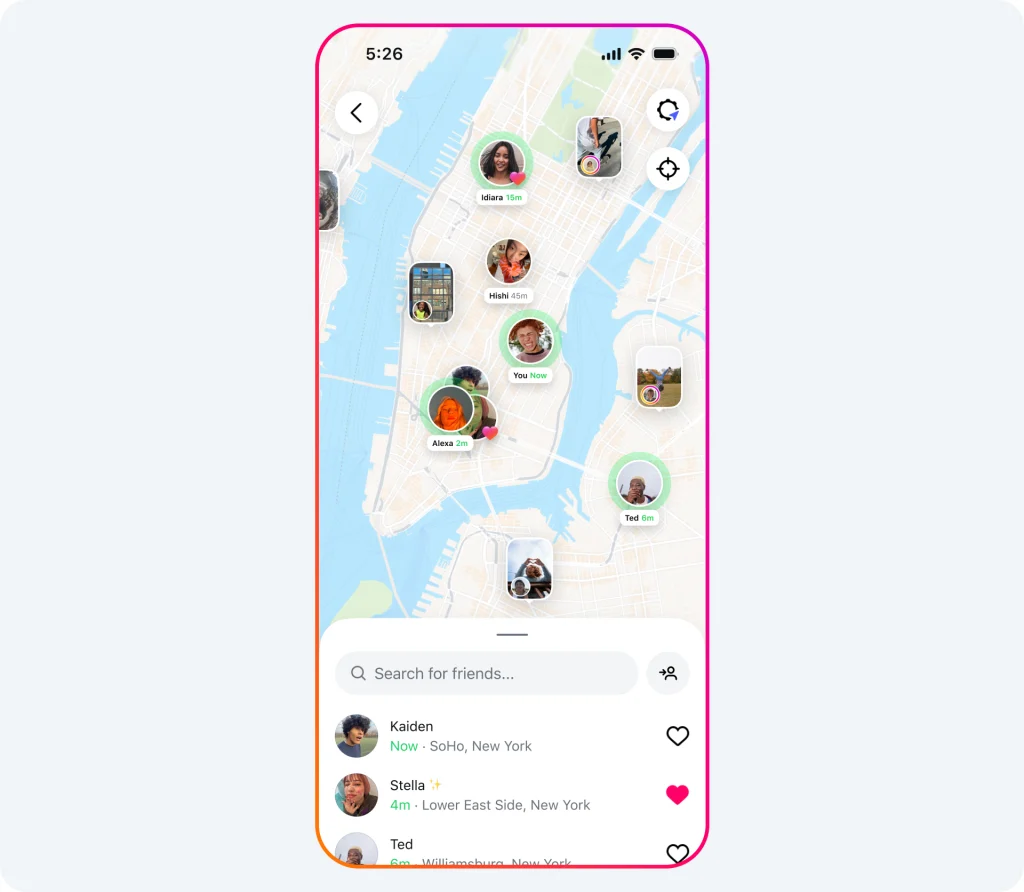
- Select friends or groups to share your live location.
- Location updates occur when you open the app.
Tagged Content Exploration
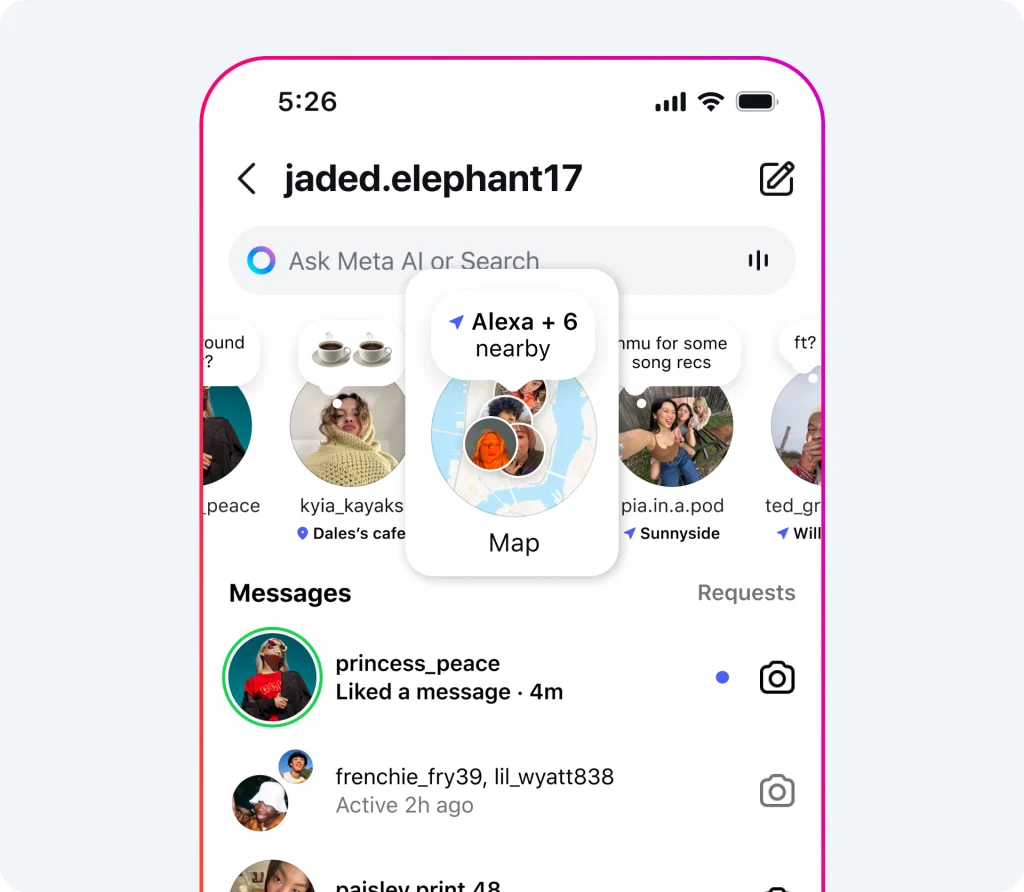
- Access location-specific posts and stories from friends or creators.
- Ideal for discovering local hangouts or events.
Customizable Privacy Features
- Control who sees your location.
- Option to disable location sharing entirely.
Whether you’re planning a meetup, catching up on friends’ activities, or finding inspiration in your area, the Instagram map has you covered.
How to Use the Instagram Map
Follow these steps to make the most of this feature:
Enable Location Sharing
- Open Instagram and access your profile settings.
- Navigate to the Location Sharing option under privacy settings or choose location under Device Permission settings.
- Choose the audience for sharing, such as “Close Friends” or specific followers.
Share Your Last Active Location
- Enable sharing directly from the map feature.
- Your location updates when the app is active or running in the background.
- Turn off sharing at any time if you prefer additional privacy.
Customize Sharing Preferences
- Specify friends who can see your location.
- Exclude locations or individuals from viewing your location.
Explore Location-Based Content
- Access the map by tapping the map icon in your direct messages (DM) inbox.
- Browse tagged content from your chosen regions.
- Find reels, posts, and stories posted within 24 hours by friends or creators.
Discover New Places
- Explore local events and activities through content shared by creators.
- Gain inspiration for outings, all tagged with accurate locations.
Pro Tip
Double-check your sharing settings at regular intervals to ensure maximum privacy and relevance in your connections.
Frequently Asked Questions (FAQs)
Is Location Sharing Mandatory?
No, location sharing is entirely optional. Users can choose to opt in or out at their discretion.
How Do I Control Who Sees My Location?
Go to your privacy settings and customize your audience. You can choose from options such as “Close Friends” or specific individuals.
Can I Explore the Map Without Sharing My Location?
Yes, even if location sharing is disabled, you can view and interact with tagged content on the map.
How Often Does My Location Update if I Use Location Sharing?
Your location updates anytime you open the app or if it runs in the background.
Can Parents Oversee Teens’ Location Sharing?
Yes, teens under supervision have location-sharing settings controlled by their parents. Parents receive a notification when a teen enables location sharing, and they can restrict access based on family agreements.
Does Location Sharing Show My Exact Address?
No, the feature shows your general location instead of pinning you to a specific address.
How Long Does Location Sharing Stay Active?
Your location is shared until you revoke access through your settings or close the app.
Final Thoughts!
The Instagram map opens up new possibilities for staying connected. Whether you’re planning to meet up with friends, exploring new places, or simply staying in the loop, this feature adds a fresh dimension to social interaction.
By leveraging the map’s location-sharing and exploration features, you can create meaningful connections while maintaining complete control over your privacy. Activate the Instagram map today and start discovering the world with your friends!