
Binary representation is the backbone of computer science and programming. It’s how computers process and store data at the most fundamental level.
Understanding how to convert numbers into binary gives insight into how computers work and allows programmers to manipulate data for various applications.
Python offers multiple ways to achieve this, from built-in functions to manual conversion methods.
This guide will teach you three effective methods to convert a number into its binary form in Python, including applicable use cases and examples.
Summary of Methods and Use Cases
Here’s a quick comparison of the three methods to help you decide when to use each:
| Method | Best Use Case |
|---|---|
bin() | Quick conversion including the “0b” prefix or extracting binary data. |
format() or f-strings | Clean results without the prefix, ideal for formatting and fixed-width outputs. |
| Manual methods | Educational purposes or custom binary manipulations. |
Each method has its own unique advantages. Built-in functions like bin() and format() are reliable and concise, making them indispensable for most use cases. However, manual conversion is the go-to option if you want to explore binary operations in depth.
By understanding these techniques, you can handle binary conversion tasks with ease and gain valuable insights into the building blocks of computer science.
Method 1: Using the bin() Function
The bin() function is the simplest way to convert an integer into a binary string. This built-in function takes an integer as input and returns a string that begins with “0b,” indicating binary format.
Code Example
Here’s how you can use the bin() function for conversion:
n = 13
binary = bin(n)
print(binary) # Output: '0b1101'If you want the binary value without the “0b” prefix, use slicing:
binary_str = bin(n)[2:]
print(binary_str) # Output: '1101'When to Use It
The bin() function is ideal when you need a quick and easy conversion that includes the “0b” prefix or when you want to extract the binary representation in string form for further processing.
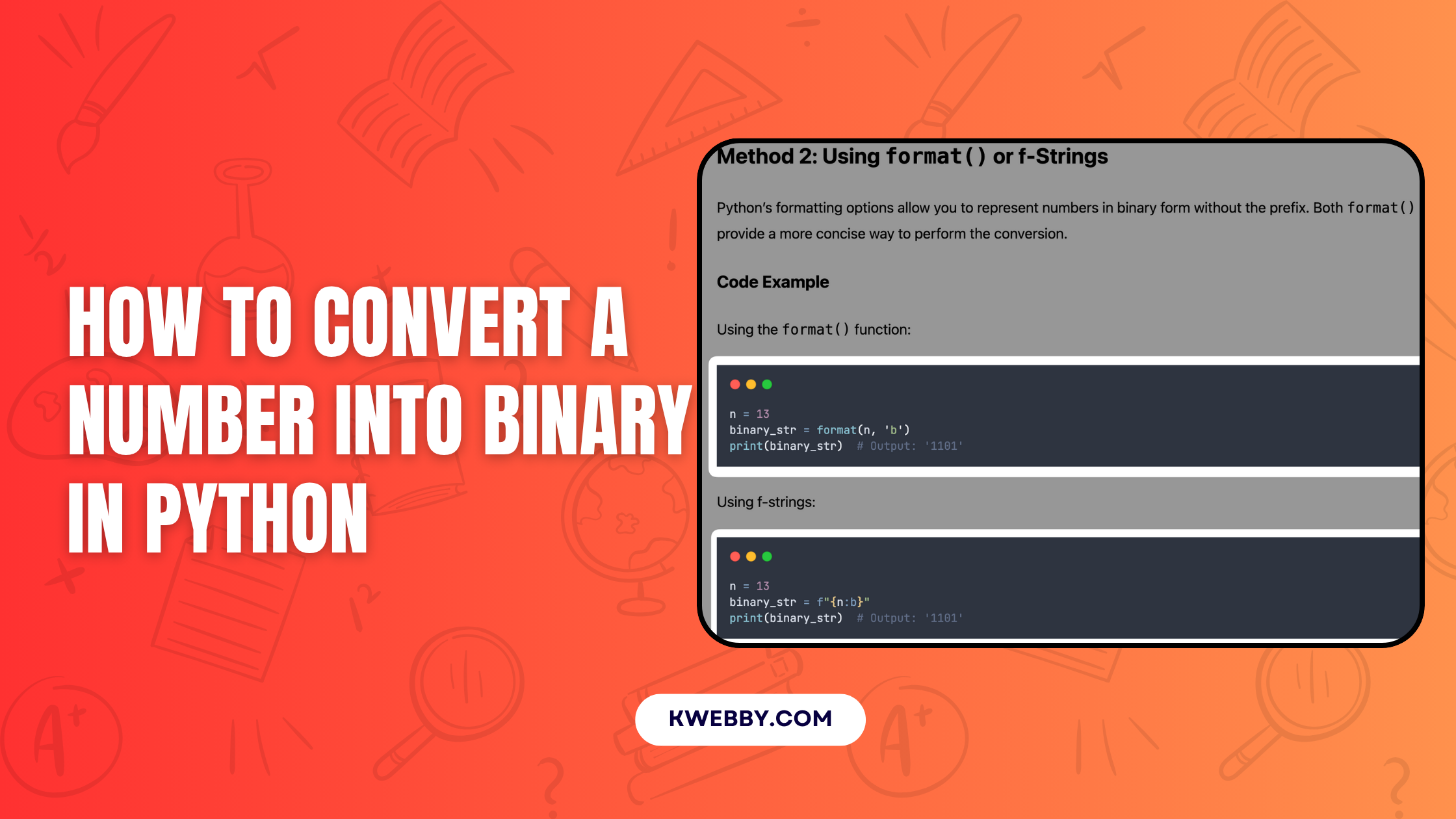
Method 2: Using format() or f-Strings
Python’s formatting options allow you to represent numbers in binary form without the prefix. Both format() and f-strings provide a more concise way to perform the conversion.
Code Example
Using the format() function:
n = 13
binary_str = format(n, 'b')
print(binary_str) # Output: '1101'Using f-strings:
n = 13
binary_str = f"{n:b}"
print(binary_str) # Output: '1101'If you need the binary output in a fixed-width format, such as an 8-bit representation, you can specify padding:
n = 13
padded_binary = f"{n:08b}"
print(padded_binary) # Output: '00001101'Alternatively, you can achieve the same result with format():
padded_binary = format(n, '08b')
print(padded_binary) # Output: '00001101'When to Use It
Use format() or f-strings when you need a binary representation without a prefix or when working with fixed-width output. These methods are widely preferred for creating clean and compact code.
Method 3: Manual Conversion Using Bitwise Operations or Division
Manually implementing binary conversion helps you understand the logic behind the process. You can achieve this either by using bitwise operations or by performing repeated division by two.
Code Example
Using Bitwise Operations:
This method extracts each bit of the binary number, starting from the least significant bit.
def to_binary(n):
    if n == 0:
        return "0"
    bits = ""
    while n > 0:
        bits = str(n & 1) + bits
        n >>= 1
    return bits

n = 13
print(to_binary(n)) # Output: '1101'Using Division and Remainder:
Another approach involves repeatedly dividing the number by two and storing the remainders in reverse order.
def dec_to_bin(n):
    if n == 0:
        return "0"
    bits = ""
    while n > 0:
        bits = str(n % 2) + bits
        n //= 2
    return bits

n = 13
print(dec_to_bin(n)) # Output: '1101'When to Use It
These manual methods are best for learning the mechanics of binary conversion. They provide a deeper understanding of how computers perform binary arithmetic.
While not the most efficient option for practical programming, they are invaluable for educational purposes.
Final Thoughts!
Mastering how to convert a number into binary in Python is an essential skill for anyone exploring the building blocks of computer science.
Whether you use built-in methods like bin() or format() for their efficiency or opt for manual methods involving integer division and repeatedly dividing decimal numbers, each approach offers unique insights into binary representation.
Understanding binary forms and binary digits allows you to process data efficiently, convert integers with ease, and even handle negative numbers or real numbers by employing defined logic and carefully crafted code.
By learning these techniques, you can comfortably switch between decimal to binary or even hexadecimal and octal formats, leveraging Python’s flexible programming capabilities.
No matter the method you choose, practicing these conversions helps sharpen your problem-solving ability while deepening your understanding of significant bit calculation, binary mechanisms, and the intricate logic underlying computer programs.